Design Systems for Mobile Apps: A Guide to Scalable and Consistent UI Design
By Yekta and Alireza
A mobile design system is not a Figma file. It is the infrastructure that keeps your product coherent across every screen, every update, and every new feature your team ships. This guide breaks down how design systems actually work at scale, what makes them different from web systems, and what teams like Airbnb, Spotify, and Duolingo do to stay consistent without going rigid. It also covers the governance failures that quietly break even well-built systems over time.
If your app feels like three teams designed it at once, you’re seeing system drift. A mobile design system fixes that with shared rules, components, and tokens, so screens stay consistent and teams stop rebuilding the same decisions every sprint.
Not here to read the whole thing? Fair.😄
- You can listen to the podcast version of this guide, above.
- Or jump straight into the questions below.
Design System Questions Product Teams Ask Before Things Get Messy
Start here if you want the practical answers first. These are the questions teams usually ask when consistency starts slipping, components multiply, or the design system stops matching how the product actually works.
How do you know when a client needs a design system?
When I talked with Alireza, our creative director and designer, about which clients actually need a design system, his take was blunt: almost every product that's expected to grow benefits from one. As he put it, if a client doesn't have a system, the team usually builds it from scratch, and if they have one that's outdated or inconsistent, it's better to rebuild than to patch. Starting with a solid foundation saves time later and keeps the product coherent as it evolves.
How do I keep a mobile app consistent as the product grows?
Start with the decisions your team repeats all the time: colors, typography, spacing, buttons, forms, cards, alerts, and navigation. Turn them into shared components and rules. Then review the system regularly so new features do not create random one-off designs.
What should a mobile design system include for iOS, Android, Flutter, or React Native?
It should include shared foundations like color, type, spacing, icons, accessibility rules, components, and design tokens. It should also explain what changes by platform, like gestures, navigation, safe areas, and native behavior. The goal is consistency, not copy-paste sameness.
How do design tokens keep design and development aligned?
Design tokens turn design decisions into reusable values. Instead of defining the same color, spacing, or radius in many places, the team defines it once and uses it across Figma, iOS, Android, Flutter, React Native, and web. One update can then travel everywhere.
How do you stop a design system from becoming outdated after launch?
Treat it like a living product. Give it owners, rules, versioning, documentation, and regular reviews. If designers avoid it or developers rebuild around it, something is broken. Fix the system before the product starts drifting again.
When does a team need a full design system instead of a UI kit?
A UI kit works when the product is still small. A full design system becomes useful when the team grows, patterns repeat, screens multiply, or design and development keep solving the same problems again. If consistency is slowing the team down, it is time to systemize.
If you want the full breakdown, let’s start with the foundation: what a mobile design system actually is, what it is not, and why it starts mattering the moment your product has more screens, more features, and more people making decisions.
What Is a Mobile UI Design System?
A mobile UI design system is your app’s shared rulebook + toolbox. It defines how the interface looks, behaves, adapts, and scales across screens, platforms, and teams.
It is not just a Figma file full of buttons. It is the set of principles, tokens, components, patterns, and rules that help everyone build from the same source of truth.
Instead of redesigning the same buttons, card, form, or navigation pattern every time a new feature ships, teams reuse tested building blocks with clear rules. That means fewer one-off screens, fewer design debates, and less cleanup later. For growing mobile apps, SaaS products, and enterprise tools(see our mobile app development guide for the full picture) , a good design system keeps the product consistent without slowing the team down.
Design System vs Style Guide vs UI Kit (Don’t Mix These Up)
Design System:
The full strategy + rules + ready-to-use components + philosophy.
Style Guide:
A visual rulebook (typography, colors, icon style).
UI Kit:
Drag-and-drop component files you design with (e.g., in Figma).
In short:
Design system is the ecosystem. UI kit and style guide live inside it.
What’s Actually Inside a Mobile Design System?
Think of it as the product’s shared operating manual: part principles, part building blocks, part maintenance plan.
| Part of the system | What it means | Why mobile apps need it |
|---|---|---|
| Principles | The product’s design beliefs and usability rules | Keeps decisions aligned as the app grows |
| Foundations | Color, typography, spacing, icons, motion, and accessibility rules | Creates a consistent visual and interaction base |
| Design tokens | NaReusable values for color, type, spacing, radius, elevation, and motionavigation rules, form behaviors | Keeps Figma, iOS, Android, Flutter, React Native, and web aligned |
| Components | Buttons, cards, forms, tabs, modals, lists, and navigation elements | Helps teams build faster without redesigning common UI |
| Patterns | Rules for flows, gestures, states, onboarding, errors, and empty screens | Makes the app easier to learn and predict |
| Documentation | Usage rules, examples, do’s, don’ts, and implementation notes | Reduces confusion between design, product, and engineering |
| Governance | Ownership, versioning, audits, contribution rules, and updates | Stops the system from drifting after launch |
Why Mobile Design Systems Are Different from Web
Mobile apps cannot just borrow web rules and shrink them into a smaller screen. The context is different. People use their hands, move between devices, rely on native behaviors, and expect the app to feel natural on the platform they are using.
A strong mobile design system needs to account for five things:
- 1.Touch, not clicks
Buttons, inputs, gestures, and navigation need to be comfortable for fingers, not just precise cursors. - 2.Smaller, vertical screens
Content needs stronger hierarchy, simpler layouts, and faster scanning. - 3.Platform expectations
iOS and Android have different patterns for navigation, gestures, elevation, controls, and system behavior. The product should feel consistent, but still native. - 4.Slower release cycles
App updates often go through store approvals, so design and implementation decisions need more discipline before release. - 5.Device behavior
Mobile systems often touch camera, GPS, biometrics, haptics, push notifications, and gestures. The design system needs rules for those moments too.
The goal is not to make iOS, Android, Flutter, and React Native screens look exactly the same. The goal is to keep one product language while respecting how each platform works.
Stay tuned. We’re going deeper next.
The Anatomy of a Scalable Mobile Design System
A mobile design system only works when people can understand it quickly, apply it consistently, and evolve it without breaking the product. That is why the best systems are layered. They move from strategy to execution, so every button, pattern, and interaction has a reason behind it.
Think of it in four layers: principles, foundations, components, and behavior.
1. Principles: The Why
Principles are the guardrails behind the system. They explain what the product should feel like, how consistent it should be, and where flexibility is allowed.
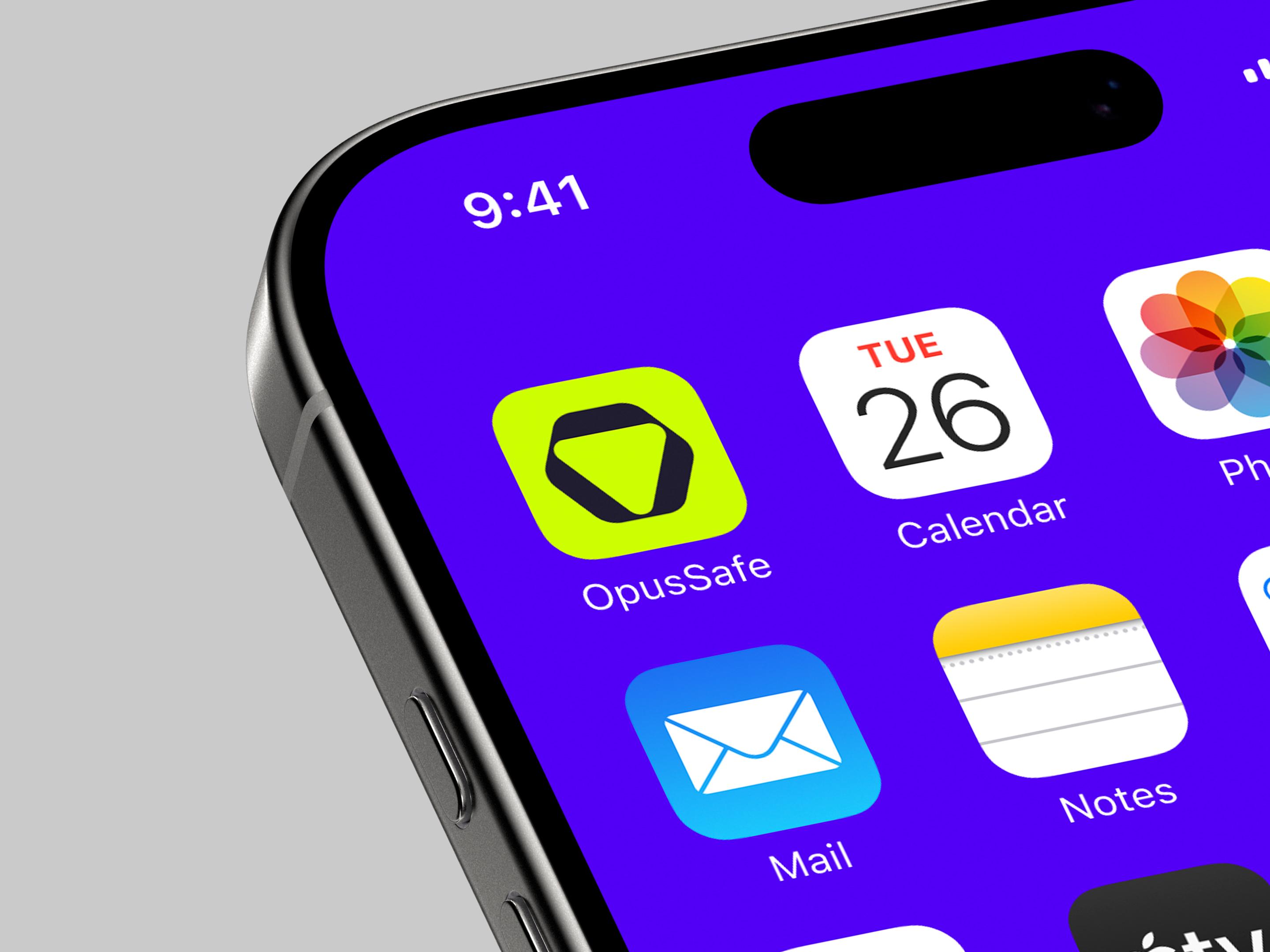
For mobile apps, SaaS products, and enterprise tools, this matters because teams make hundreds of small interface decisions over time. Without principles, every decision becomes personal taste. With principles, the team has a shared way to judge what belongs in the product and what does not.
Good principles usually cover:
- consistency without making every screen identical
- reuse before creating new patterns
- accessibility as a default, not a later fix
- performance-aware design decisions
- platform respect for iOS, Android, Flutter, and React Native
2. Foundations: The Rules
Foundations are the shared visual and interaction rules every component depends on. They include color, typography, spacing, layout, icons, motion, accessibility, and theming.
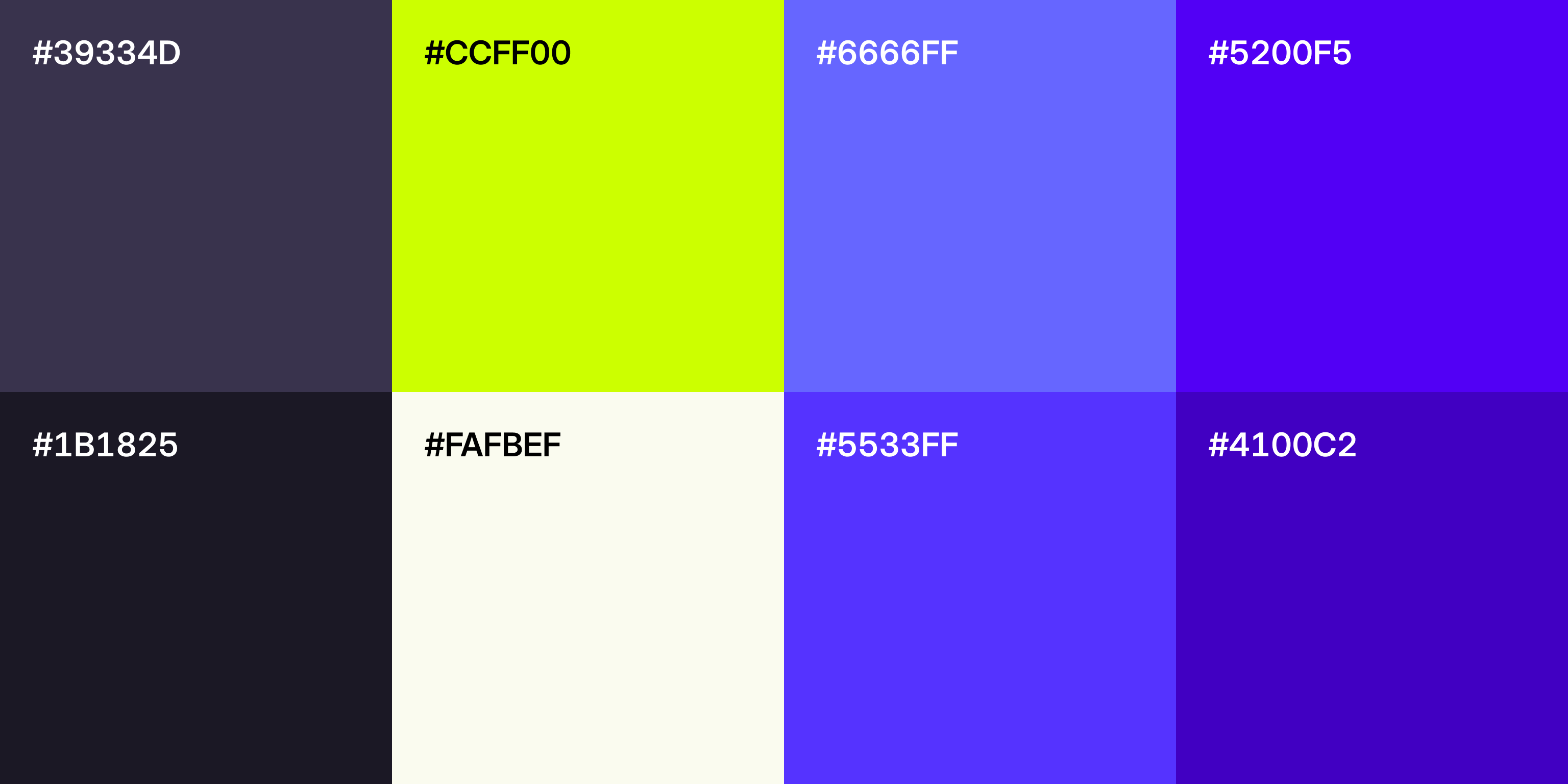
As we were mapping out the four layers with Alireza, one thing came up quickly: teams underinvest in foundations more than any other layer. Colors, typography, spacing, tokens, and naming should all be consistent before components ever get built, and design and development need to agree on those foundations from day one. Skip that step and every component you build later inherits the inconsistency. As Alireza put it:
“
Foundations are what keep the entire system connected.
Alireza
When foundations are clear, the product feels more intentional before users even notice the details.
3. Components and Patterns: The Building Blocks
Components are the reusable pieces teams use every day: buttons, inputs, cards, lists, sheets, tabs, modals, alerts, and navigation elements. Each component should include usage rules, states, variants, and constraints.
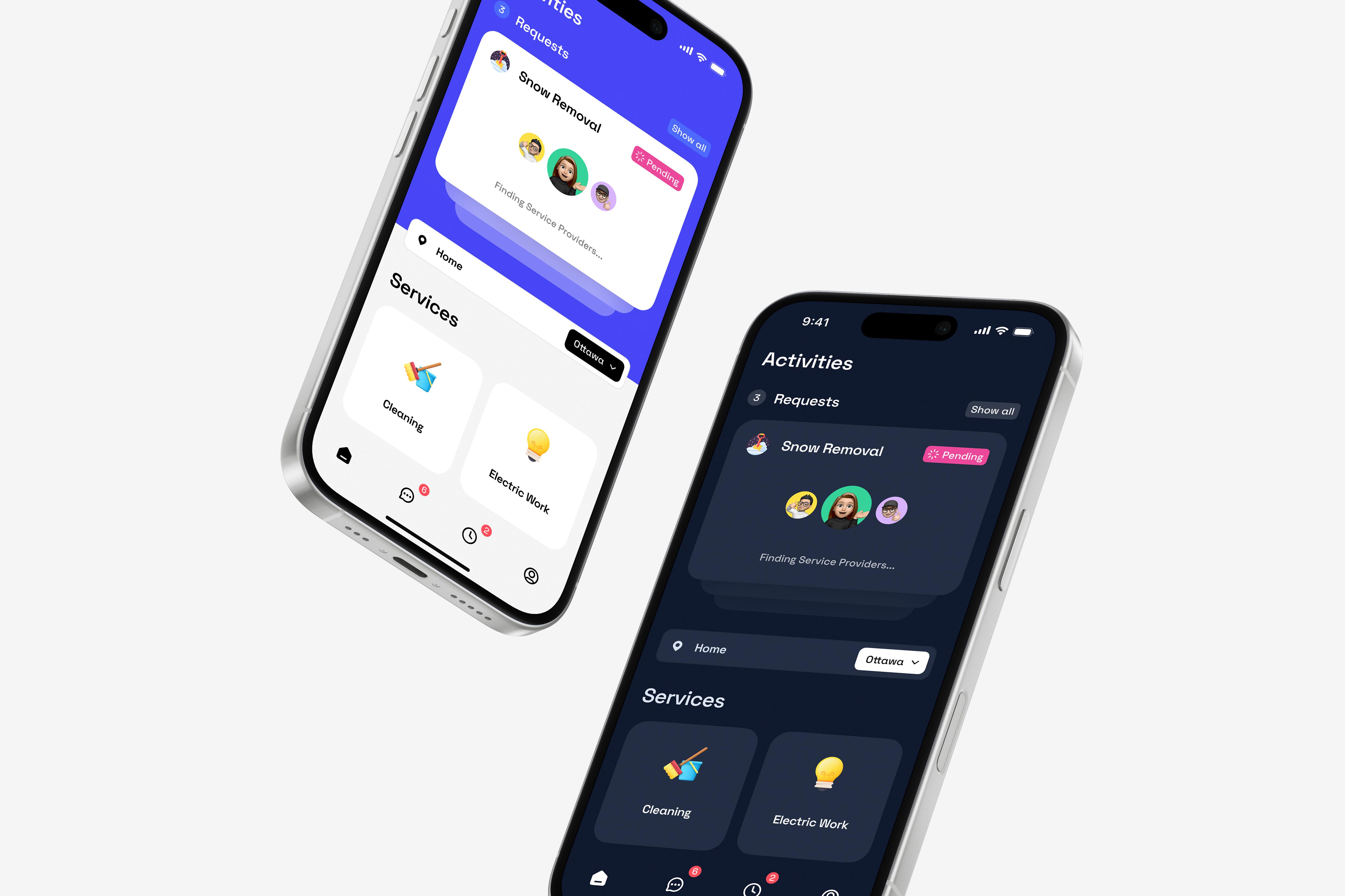
Patterns go one level higher. They explain how components work together in real product moments, like onboarding, search, forms, empty states, permissions, errors, and dashboard flows.
This is where a design system starts saving real time. Teams stop rebuilding common screens from scratch and start assembling product experiences from tested parts.
4. Behavior: The Feel
Mobile products are not static screens. They move, respond, confirm, interrupt, and recover. That is why behavior needs its own layer.
A scalable mobile design system should define motion, gestures, touch feedback, loading behavior, transitions, haptics, and platform-specific interactions. Swipe actions, pull-to-refresh, long press, drag-and-drop, and screen transitions should not be left to guesswork.
When behavior rules are clear, the app feels coherent instead of stitched together.
Why This Structure Works
Principles guide decisions. Foundations create consistency. Components speed up production. Behavior makes the experience feel natural.
When these layers are clearly documented and maintained, a design system becomes part of the product’s infrastructure. Not a PDF. Not a pretty Figma graveyard. A tool the team actually uses.
Design Tokens for Mobile: The Layer That Keeps Figma, iOS, and Android in Sync
Design tokens are the small, reusable values that keep a design system consistent across design and code. They store decisions like color, typography, spacing, radius, elevation, and motion in one place, so teams stop rebuilding the same rules in Figma, iOS, Android, Flutter, React Native, and web.
Think of tokens as the connective tissue of the system. A button is the visible component, but tokens decide its color, text size, spacing, corner radius, shadow, and interaction timing. When those values are named, documented, and shared across platforms, the product becomes easier to scale without creating visual drift.
Get tokens right and Figma, iOS, Android, and your cross-platform stack all speak the same language. Get them wrong and you end up with 47 slightly different blues floating around the codebase.
What changed in 2026
Design tokens used to feel like a “nice system thing” for very organized teams. Now they are becoming the default way modern product teams keep design and code aligned.
Two things pushed that forward. First, the W3C Design Tokens Community Group released the first stable version of the DTCG spec in late 2025, which gave tools a more shared way to read and write token data. Less translation. Fewer weird JSON mysteries.
Second, AI coding tools like Cursor and Claude Code started playing a bigger role in building UI. That makes your foundation matter more. If your product has clear tokens, AI tools can follow the system and generate more consistent work. If the system is messy, AI just helps the mess move faster. Very efficient chaos. Not ideal.
The Design Tokens Community Group spec is a W3C standard for how token files are structured. It reached its first stable version in October 2025. You do not have to use it, but if you do, your tokens are portable across every major design tool and pipeline. Most new systems built in 2026 adopt it from day one.
What Design Tokens Actually Are
A design token is a named value that represents a design decision.
| Token Type | Example Token | What It Controls |
|---|---|---|
| Color | color.brand.primary | Brand color, surfaces, text, borders, and states |
| Typography | type.body.size | Font size, weight, line height, and text style |
| Spacing | space.m | Margins, padding, gaps, and layout rhythm |
| Radius | radius.card | Corner radius for cards, buttons, and surfaces |
| Motion | motion.duration.fast | Transition speed, easing, and feedback timing |
| Elevation | elevation.overlay | Shadows, depth, and layered UI |
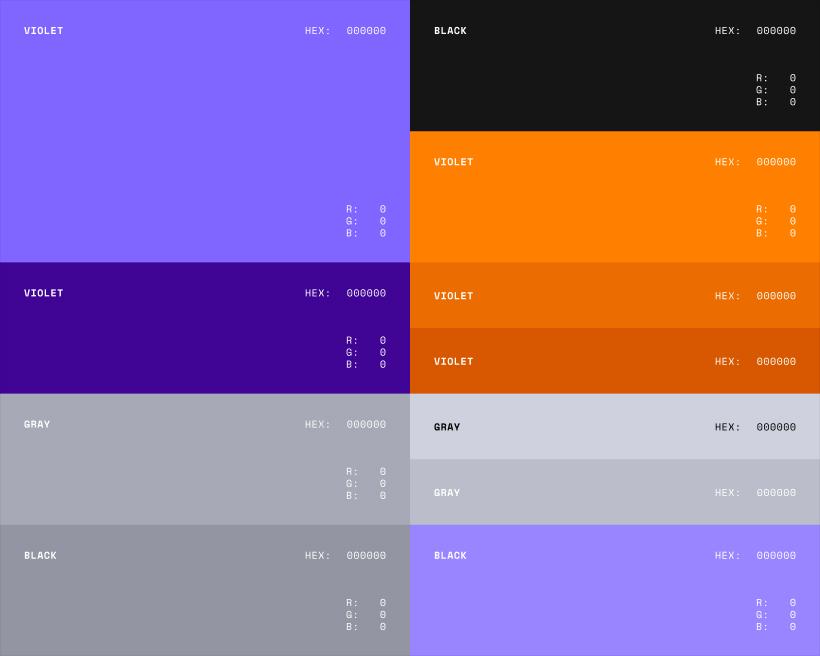
The point is not to create a giant token library. The point is to create a shared language. Instead of five teams using five slightly different blues, everyone uses the same named value.
The Three Tiers Every Mature System Uses
Most production design systems organize tokens in three layers:
- Primitives. Raw values like color.blue.500 or size.16. Never used directly in components.
- Semantic. Role-based names like color.text.primary or space.layout.gutter. These reference primitives.
- Component. Component-specific tokens like button.primary.bg that reference semantic tokens.
The tier system only works if the naming holds up. When we talked with Alireza about the biggest mistake he sees teams make with token naming, his answer was that it comes down to not planning ahead. Good token naming starts long before the first token is created. As he put it, if he already knows the product will support both light and dark mode, that completely changes how he names tokens and components. Thinking through states, themes, and scalability early is what makes the naming system clean and future-proof.
Token Categories Every Mobile App Needs
You don’t need 500 tokens. But you do need the right categories.
Color Tokens
- Semantic color tokens (color.text.primary, color.bg.surface)
- States for dark/light themes
- Accessibility-ready contrast pairs
This is where design tokens color type spacing start their magic.
Define semantic tokens (like color.bg.surface), then map each to a light and dark value. When the theme switches, every screen updates without any component code changing.
Typography Tokens
- Typography tokens for font families, weights, and scales
- Support dynamic type and sp scaling
- Mapped per platform (pt for iOS, sp for Android)
Spacing & Sizing Tokens
- Use an 8-point rhythm for spacing scale tokens mobile
- Consistent mobile UI spacing tokens like space.xs → 4, space.s → 8, etc.
Elevation, Radius & Motion Tokens
- Elevation tokens mobile for shadows (if your brand uses them)
- Border radius tokens for shapes
- Motion tokens for transition duration and easing
These help ensure your UI doesn’t accidentally change personality from one screen to another.
Units: dp, sp, pt, and px Explained
Mobile tokens need to respect platform units. The same design decision may be expressed differently depending on where it is implemented.
This stuff confuses a lot of people, so here’s the easiest way to remember:
| Unit | Platform | Use Case | Why It Matters |
|---|---|---|---|
| dp | Android | Layout sizes | Scales across densities |
| sp | Android | Text sizes | Respects user font settings |
| pt | iOS | Everything visual | Logical unit (retina-friendly) |
| px | Web | Raw pixels | Avoid on mobile tokens |
This is why tokens matter. Designers can define the decision once, then developers can map it properly for each platform without guessing.
How Tokens Move From Figma to Code
Tokens move from Figma to code through a pipeline that converts one source of truth into the platform-native format each codebase needs.
The format that pipeline produces matters. Since October 2025, the W3C Design Tokens Community Group spec (DTCG v1) is the standard most modern tools read and write. Style Dictionary 4 supports it natively.
Adopting the DTCG format means your tokens are portable across Figma, Tokens Studio, Penpot, Supernova, zeroheight, and any future tool that ships compliance.
On a real build.
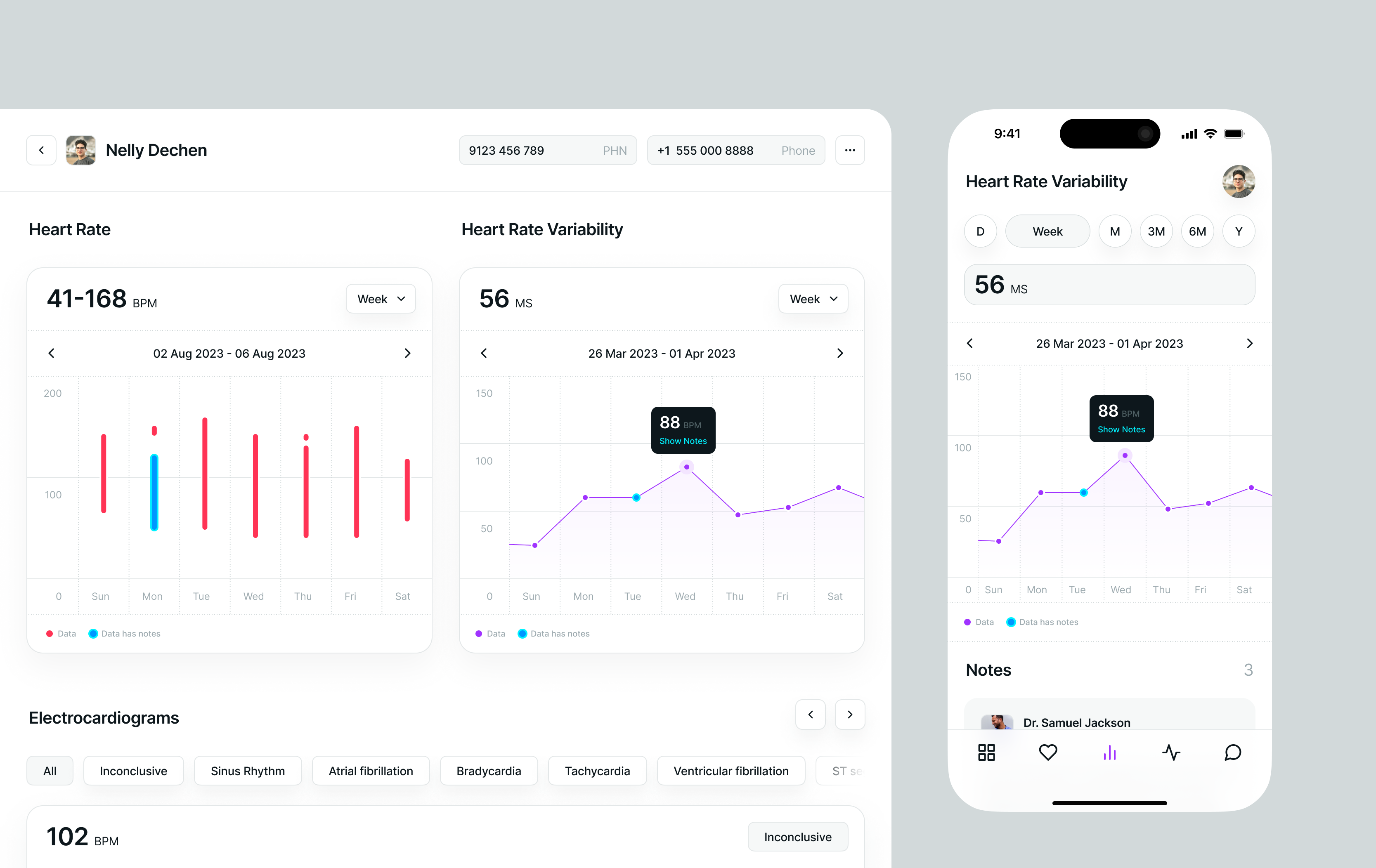
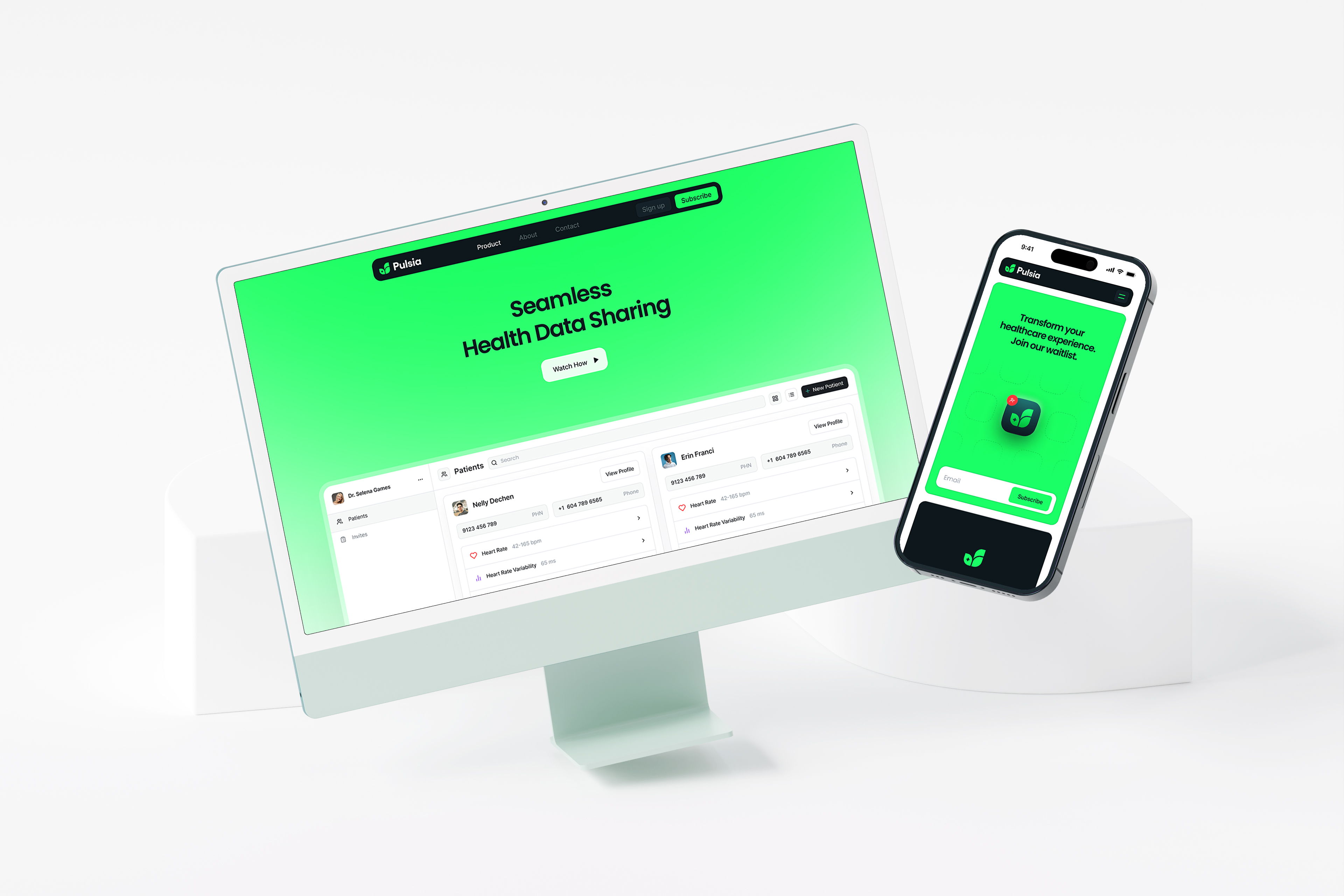
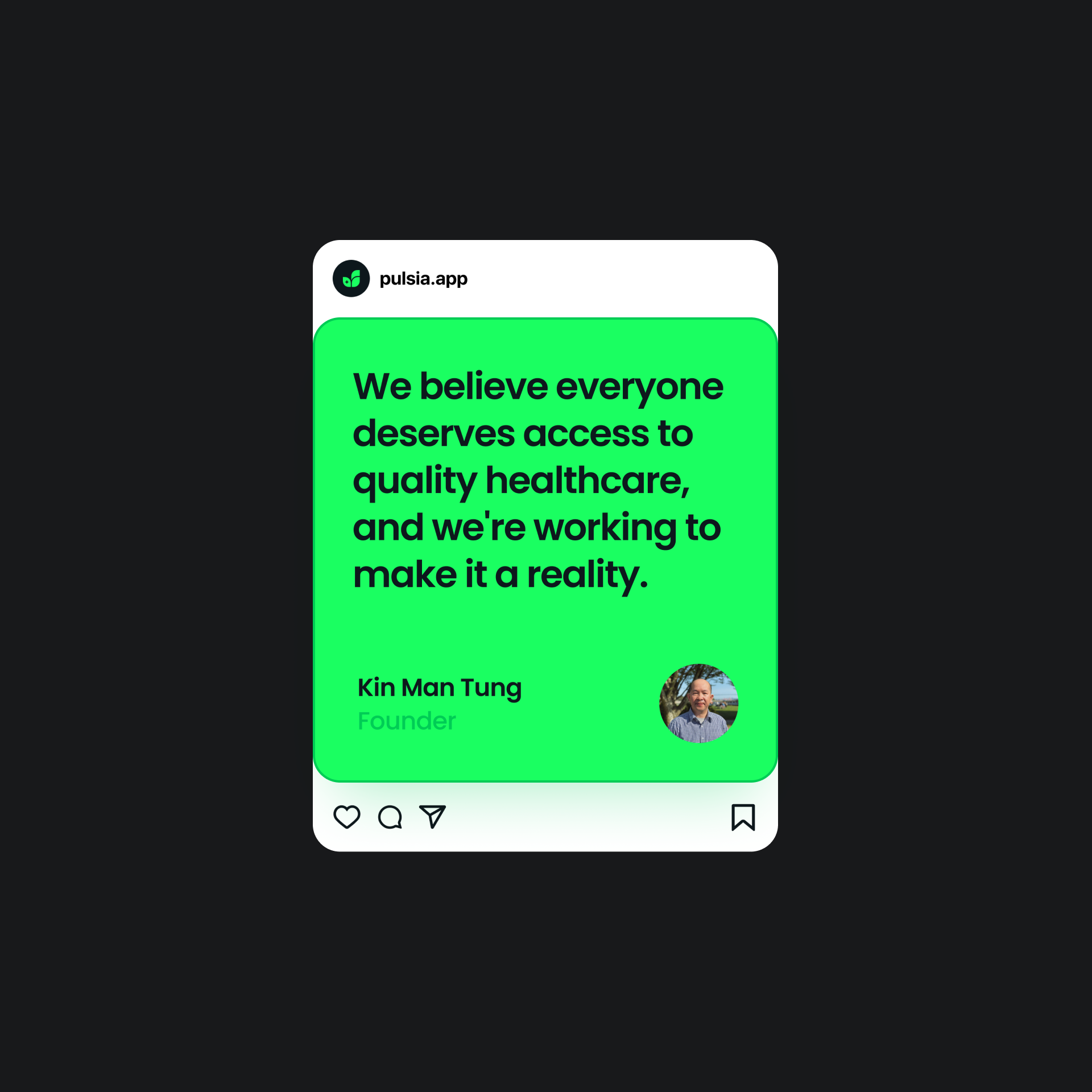
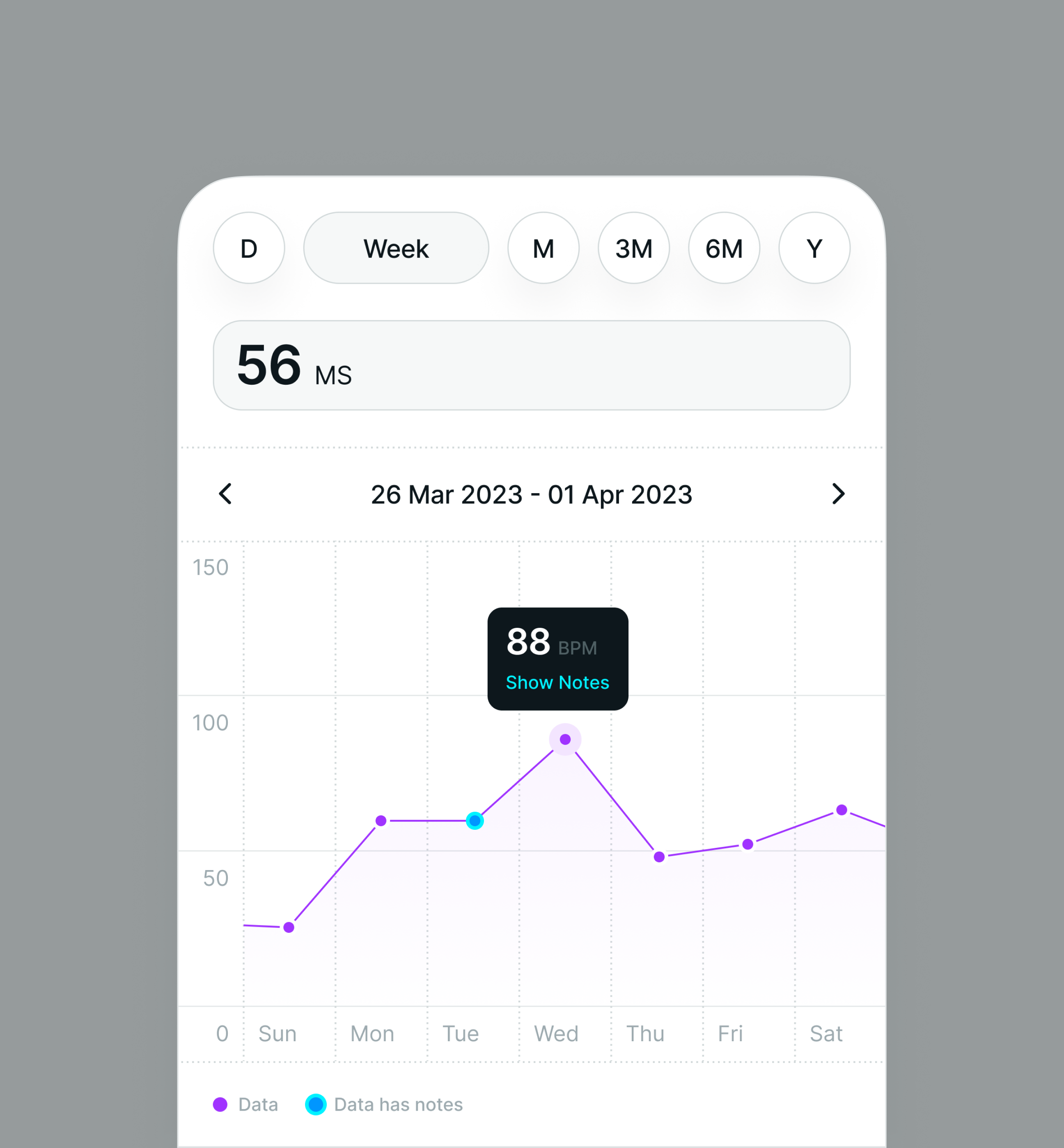
On Pulsia, a React Native health platform built for iOS, Android, and web, one shared token source keeps the product consistent across platforms. Instead of manually updating each version, changes like spacing can move from Figma into the next build everywhere.
On Pulsia, the token system shipped across iOS, Android, and web from one source. What was the hardest decision in that setup?
When I talked through the Pulsia build with Alireza, the interesting reveal was that the hardest decision wasn't technical, it was structural. The biggest call was separating the product into two systems: the marketing website and the product itself. Both share the same foundations, but they solve different problems. As he put it, building the components wasn't the hard part. Keeping everything consistent across platforms while letting each system do its job was the real challenge.

Why Tokens Matter More in the AI Era
Cursor, Claude Code, and Figma Make are writing real production UI in 2026. They are fast and confident, but they are also stateless: they don't remember what your buttons looked like last sprint. They infer from whatever context is in front of them.
When I asked Alireza whether AI coding tools like Cursor and Claude Code had changed how he sets up tokens at the start of a project, his answer was honest: not much yet. AI is great at generating code once the structure is defined, but it doesn't know the product well enough to design the system for you. A simple button can have multiple variants, themes, icon positions, and several interaction states, and every project is different. Without those requirements, AI produces something generic that still needs a lot of correction.
“
Our approach is to design the system himself first, then let AI help with implementation.
Alireza
That is why tokens and structure matter more in the AI era, not less. AI amplifies whatever foundation it reads from. The foundation still has to be designed.
Without tokens, AI tools amplify drift. With tokens, they amplify consistency. The teams getting the most out of AI did not slow down to build a design system. They sped up because of it.
Keeping Tokens Healthy: Governance & Versioning
okens need governance just like components do. Someone has to decide when a token is added, renamed, deprecated, or removed. Otherwise, the system slowly fills with mystery values no one wants to touch.
Good token governance includes:
- Clear naming rules
- Review and approval steps
- Versioning and changelogs
- Dark mode and theme testing
- Accessibility checks
- Cleanup for unused or duplicate tokens
- Documentation for design and engineering
In 2026, governance is starting to include AI agents that scan code for drift, flag off-system components, and auto-suggest token replacements. The human review process still matters. The tooling is just getting better at catching what humans miss.
Tokens are the cheapest, highest-leverage thing a mobile team can invest in. They make design portable, code consistent, and the next platform expansion a transformer config change instead of a redesign.
Designing for Multiple Platforms: iOS, Android, Flutter, and React Native
Designing a cross-platform design system sounds simple on paper : “make everything consistent across iOS, Android, Flutter, and React Native.”
But the real work lives in the nuance: Respecting native platform conventions, maintaining a unified mobile design system, and still keeping your brand unmistakably your brand.
This is where teams (and honestly, even seasoned designers) get overwhelmed. So let’s break it down like we would with a client at Hooman Studio: clearly, calmly, and without assuming you already know the difference between Material Design and Apple's Human Interface Guidelines by heart.
Start with a Shared Foundation (Then Layer Platform Logic on Top)
The core idea behind a
is simple:
Unify what’s universal. Adapt what’s expected.
Colors, typography, spacing, design tokens, icons, and illustrations stay unified. Navigation patterns, gestures, elevation, and component behaviors should flex between iOS and Android, because users instantly feel when something is off.
Here is the split that actually matters:
| What Stays Unified | What must adapt per platform |
|---|---|
| Brand colors, typography, spacing | Navigation patterns and back behavior |
| Design tokens and icon set | Gestures (swipe, long-press, edge swipes) |
| Component anatomy (what a Card is) | Controls (switches, FABs, sheets) |
| Motion duration and easing tokens | Elevation model (shadows vs Liquid Glass) |
| Information architecture | Native typography units (pt vs sp) |
This approach gives you both cross-platform UI consistency and the “feels right on my device” effect.
iOS vs Android: The Big Differences You Actually Need to Care About
The gap between Apple's Human Interface Guidelines and Android's Material Design is more than aesthetics. Each platform has conventions users bring with them.
Back behavior
- iOS: swipe from the left edge
- Android: system back, up arrow, or gesture
Controls
- iOS: native switches, sheets, action sheets
- Android: Material toggles, FABs, bottom sheets
Navigation defaults
- iOS: clean bottom tab bar, large title on scroll
- Android: bottom nav, drawers, extended FAB for primary actions
Elevation
- iOS 26: translucent Liquid Glass layers, blur for depth
- Android: elevation levels with opaque surfaces and shadows
Typography units
- iOS: pt for layout and type
- Android: dp for layout, sp for type (respects user font scaling)
This is why a platform-consistent UI matters. Users bring expectations with them, and a button or sheet that ignores those expectations feels broken, even when nothing technically is.
A 2026 Note on Liquid Glass: What It Changes for iOS Elevation
At WWDC 2025, Apple introduced Liquid Glass, the biggest shift in its design language since iOS 7 went flat in 2013. Surfaces are translucent now and refract the content behind them. For a cross-platform design system, this matters in three places: your elevation tokens (translucency and blur, not just shadow), your surface tokens (glass layers above content), and your Cupertino variants in Flutter or platform-specific files in React Native. Apple expects apps to fully support the new design by late 2026, so this is a near-term system update for any iOS-shipping team.
When I brought up Liquid Glass with Alireza, his read was more measured than the industry hype: " I have mixed feelings about it. I understand why Apple is moving in this direction, especially with Vision Pro where layered glass effects make a lot of sense in a spatial environment. But on traditional flat interfaces, I think it can sometimes reduce clarity. Readability should always come first. For me, Liquid Glass is an interesting new tool, but I don't think it replaces the principles of good hierarchy and contrast."
React Native & Flutter: Your “Single Codebase, Multiple Personalities”
Both React Native & Flutter frameworks let you build multi-platform apps from one codebase, but they behave differently inside a multi-platform design system. Our Flutter and React Native comparison breaks down which one fits which team:
React Native design system
Uses platform-native controls → great for platform differences.
(Think platform.select, .ios.js vs .android.js files.)
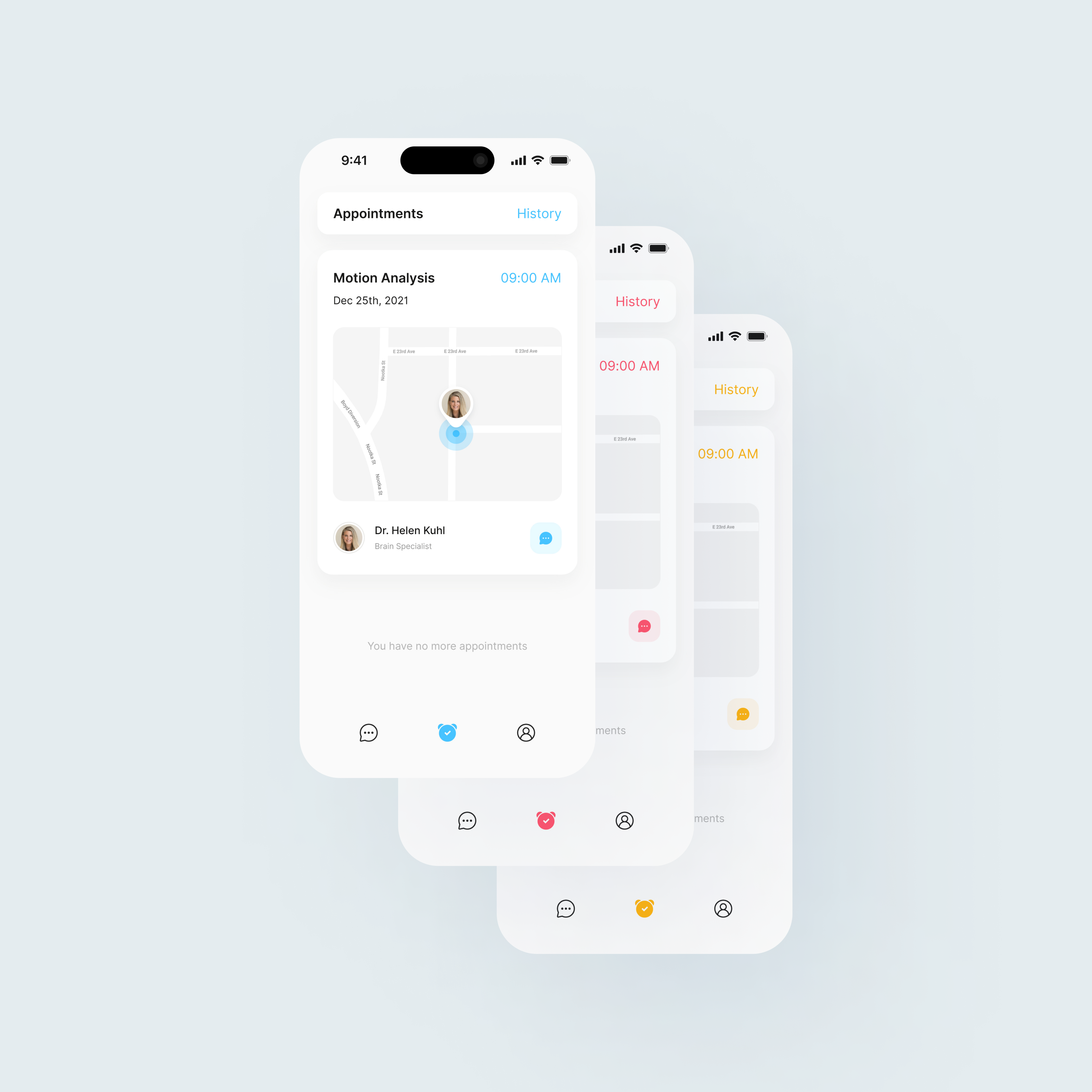
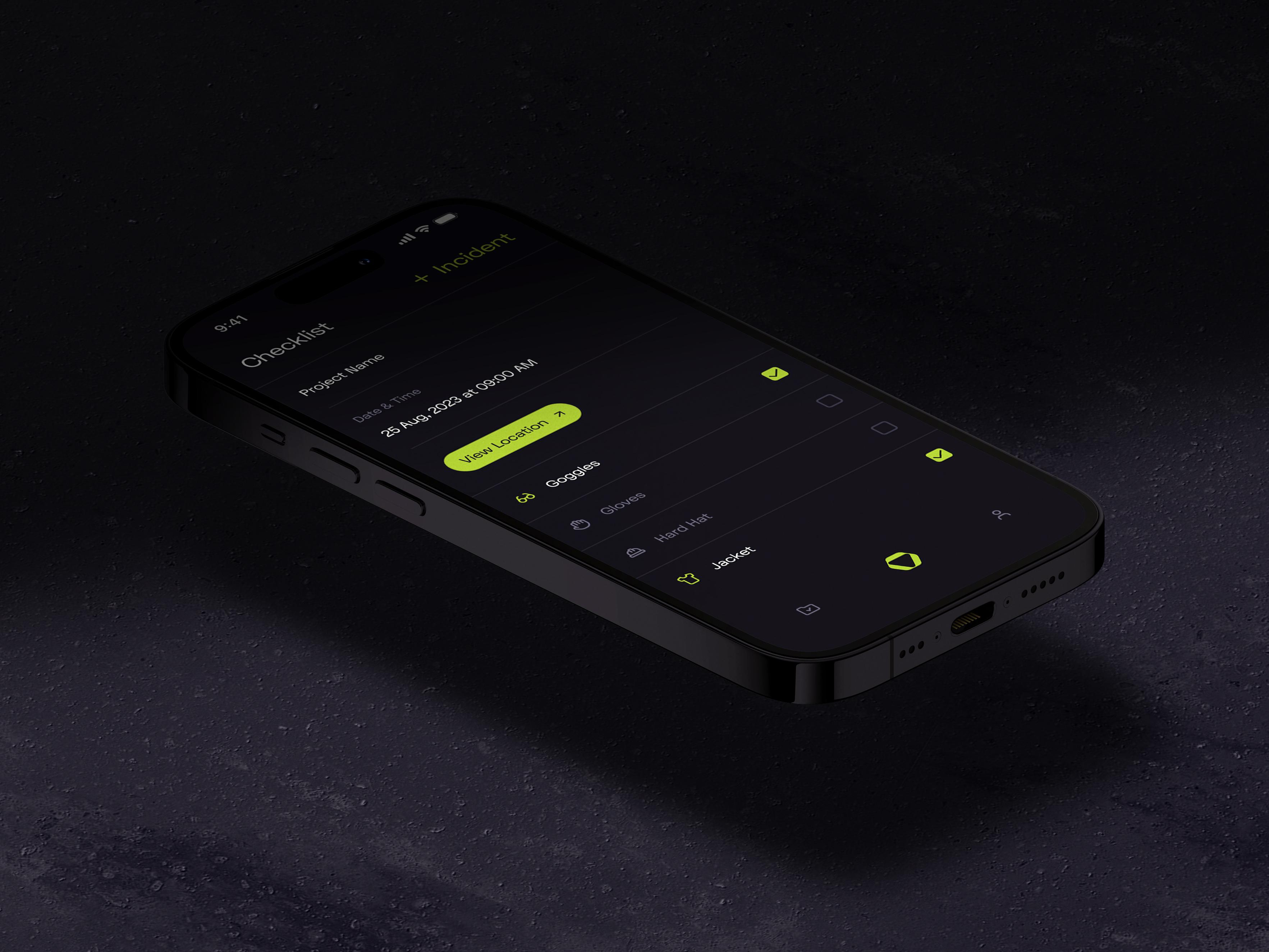

Flutter design system
Draws everything itself → ultra-consistent across platforms.
But you must intentionally add Cupertino vs Material variants to keep things “native enough.”
Both can consume the same design tokens shared across platforms.
That’s where true scalability comes from.

On a real build.
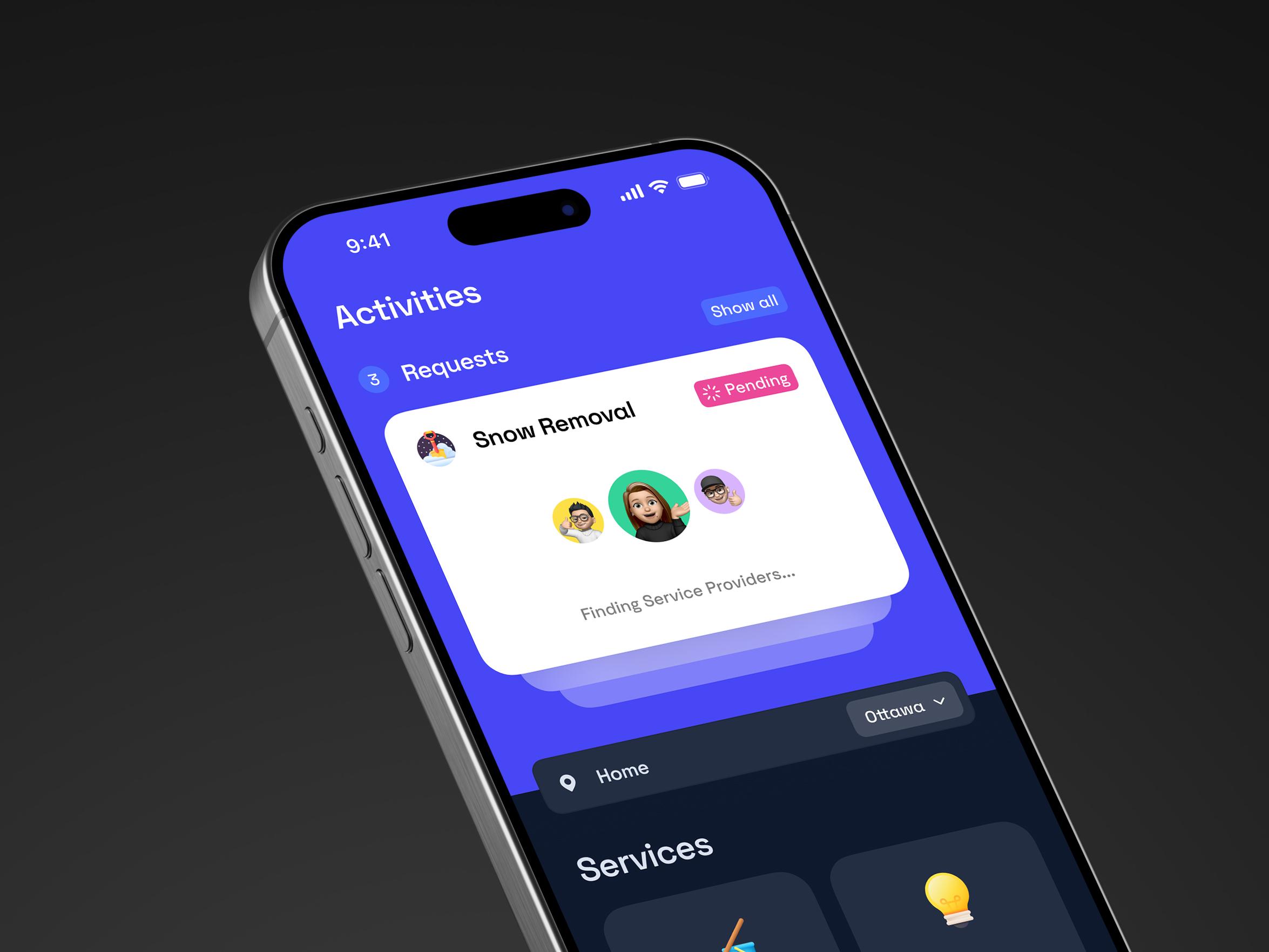
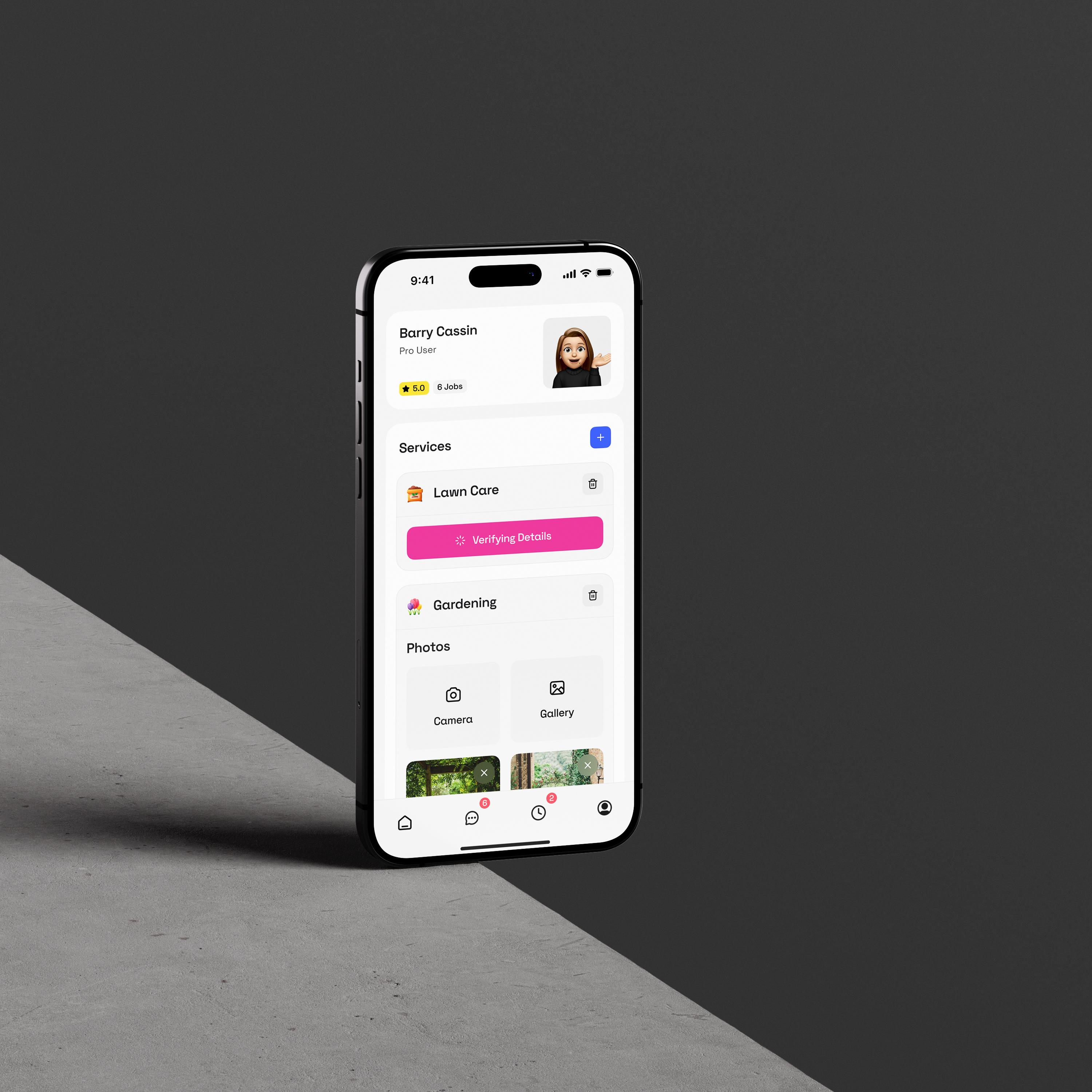
On Contractor Connect, a web app with an iOS App Store release, we used the abstraction model above. One conceptual component, the project card, served both the web product and the iOS build through React Native(our React Native cost breakdown for startup covers when this stack pays off). The team did not maintain two diverging libraries. The harder call was knowing where to let iOS conventions override the unified system, so the app felt native on iOS without forking the entire codebase. Unify the foundation, adapt the platform layer. That decision happens at the component-spec level, not after the fact.
Quick FAQs
Both. Unify the brand foundation (color, typography, spacing, tokens) so the product feels coherent, and adapt the platform layer (navigation, gestures, controls, elevation) so it feels native. The two are not in tension if your system is built in layers.
Navigation patterns, back behavior, controls (switches, sheets, FABs), and elevation. iOS 26's Liquid Glass also changes how surfaces and depth are rendered, so surface tokens may diverge from Android Material more than they used to.
React Native uses native controls and produces platform-different UI by default; you opt into unification. Flutter draws everything itself and produces unified UI by default; you opt into native feel by adding Cupertino widgets alongside Material. Both consume the same tokens.
Yes. The brand foundation, tokens, component anatomy, and motion stay shared. Platform-specific variations (controls, navigation, elevation, units) are handled at the component or token-transform layer, not by maintaining four separate systems.
Tooling and Documentation Workflow for Modern Mobile Design Systems
If you’ve ever worked inside a messy Figma file or tried to reverse-engineer a component from screenshots in Slack (we’ve all been there), you already know this: the tooling and documentation workflow is the real engine behind a scalable mobile design system. Great tools do not fix a broken process, but the right stack, wired together properly, cuts the time teams spend chasing specs and puts it back into shipping.
Here's how modern teams structure design system tooling, organize documentation, and collaborate without stepping on each other.
Start With a Solid Figma Foundation (Your Design System’s “Home Base”)
A strong system begins with Figma app prototyping, because this is where most teams actually live day-to-day. A clear layout helps every designer know where to find things:
How to structure a Figma design system library
A clear layout helps every designer know where to find things:
Foundations page
colors, typography, spacing, elevation
Components page
buttons, inputs, cards, chips
Patterns and templates page
flows, layouts, shared UI patterns
Tokens and variables page
Figma Variables mapped to your design tokens
Keep naming simple. Keep pages clean. And keep frames labeled like a human, not a robot.
Figma library setup
Once your components are polished:
- 1.Publish them as a Team Library
- 2.Version updates thoughtfully
- 3.Use library analytics to prune or refine unused components
- 4.Encourage designers not to detach instances unless absolutely necessary
This is the heart of design system library organization and the easiest way to enforce consistency.
Figma Variants, Tokens, and Variables (Your Dynamic Layer)
Modern mobile design systems rely two things working together:
- Figma component variants for different states, sizes, themes
- Figma tokens / Figma variables for your spacing, color, type, and theme values
This pairing is the secret to a flexible system:
- Variants define structure
- Tokens define style
- Publishing both creates a design environment that updates automatically when tokens change
It’s the most reliable way to keep design and code aligned without manual patchwork.
Export those variables in the DTCG format (the W3C standard that hit v1 in October 2025) so your tokens stay portable across Style Dictionary, Tokens Studio, Penpot, Supernova, and any future tool that ships spec compliance.
The 2026 Handoff Stack: Dev Mode, Code Connect, and MCP
In 2026, "handoff" barely means what it used to. The line between design file and codebase has collapsed, and the tools that matter are the ones that make that continuous interface less lossy. Here's the modern stack:
| Tool | Best For | Why It Matters in 2026 |
|---|---|---|
| Figma Dev Mode | Teams already living in Figma | Native inspect, redlines, and code snippets without leaving the file |
| Figma Code Connect | Systems with a real component library | Maps Figma components to production code, so Dev Mode returns your components, not generic HTML |
| Figma MCP | Teams using AI coding agents | Lets Cursor, Claude Code, and others read Figma files directly from the IDE |
| Storybook | Coded component library | Living reference of the actual components, versioned and testable |
| Supernova or zeroheight | Design system documentation | Centralized site for tokens, components, guidelines, and code |
| Zeplin | Teams with a formal handoff gate | Purpose-built handoff pipeline with version control, useful when the file itself isn't the source of truth |
The biggest shift is Figma MCP. AI coding agents can now read a Figma file directly from inside the IDE, pull the component through Code Connect, and generate a first pass that's closer to production than any design-to-code tool from a year ago. The catch: the output is only as good as the source. Messy files with no auto-layout, no variables, and no Code Connect mappings produce messy code. Garbage in, garbage out is now a production concern.
Designer–Developer Collaboration: The Workflow That Actually Works
You can have perfect tools and still have chaos if the team isn’t aligned. Here’s the workflow we see work best:
- Involve developers early (don’t surprise them two days before handoff)
- Use Figma to Storybook sync to compare components in design vs code
- Avoid “one-off components” unless absolutely necessary
- Use a shared naming system across Figma, tokens, and code
- Keep all documentation in one place (Supernova, Zeroheight, or Notion)
- Treat feedback loops as normal, not optional
This creates a design ops workflow where everyone is on the same page, literally and figuratively.
When I talked with Alireza about where design systems break, one thing came up quickly: teams underinvest in foundations more than any other layer, and tooling is where that underinvestment first shows up. If your Figma file doesn't have variables and your team hasn't agreed on naming, no handoff tool will save you. The stack works only when the foundation underneath it does.
On a real build.
HIVE, our flagship project, is where the tooling stack proved itself. Design and development ran in the same weekly rhythm from week one. Figma Variables drove tokens, tokens fed the code, and the coded component library stayed in sync with Figma throughout. The result was fewer handoff conversations, not more, because the file, the docs, and the components all read from the same source. When the design system is the interface between design and engineering, the handoff stops being an event.
For teams earlier in that journey, our interactive web app MVP guide covers how to validate before you scale.
Quick FAQs
Figma for design, Figma Variables for tokens, Figma Dev Mode plus Code Connect for handoff, Storybook for the coded component library, and Supernova or zeroheight for the documentation site. Add Figma MCP if the team uses AI coding agents like Cursor or Claude Code.
Code Connect maps Figma components to the real components in your codebase. When a developer opens a frame in Dev Mode, they see the production component they already use, not a generic HTML approximation. It closes the gap between design intent and shipped code.
Four pages: foundations (color, typography, spacing, elevation), components (buttons, inputs, cards), patterns (flows and templates), and tokens (Figma Variables). Publish as a Team Library, version updates thoughtfully, and use library analytics to prune unused components.
Not for most teams. Dev Mode covers spec inspection, redlines, and code snippets natively inside Figma. Zeplin still fits teams that want a formal handoff gate, version-controlled snapshots, or a workflow that separates "still exploring" from "ready for dev."
Governance Updates and Quality Control for Maintaining a Scalable Design System
If your design system feels like a neat Figma file today and a wild west of components six months from now… that’s a governance problem, not a talent problem. Design system maintenance is really about how decisions get made, not just how pretty your UI kit looks.
At Hooman Studio, we treat the system like a product with its own roadmap, owners, versioning, and release notes, especially for mobile apps that ship across iOS, Android, and sometimes web.
Who actually owns this thing?
You don’t want “everyone and no one” owning your design system. That’s how design system debt piles up and design drift sneaks into your mobile apps.
Governance Models
- Centralized design system governance
A small core team (design + dev) owns the system end-to-end. Great for quality and consistency, but can become a bottleneck.
- Federated design system governance
Feature teams contribute via a design system council or guild. More scalable, but you need clear rules to prevent UI chaos.
- Hybrid (what we usually recommend)
Core team owns foundations and key components; product teams can add patterns via a defined design system contribution process (with reviews).
For growing product teams, a hybrid governance model works well: centralized where risk is high (foundations, core mobile components), more federated for patterns and platform-specific tweaks.
Alireza on What Actually Kills a System
When we talked with Alireza about what kills design systems, his answer flipped the usual assumption. Too much governance is the bigger problem, not too little. He's seen teams turn almost everything into a component, even when it doesn't need to be. Cards, navigation, buttons, and inputs absolutely deserve reusable components. Entire page sections usually don't. As he put it, keeping sections flexible while making the building blocks reusable is what makes both design and development faster and easier to maintain.
The trap is over-systemization. The fix is discipline about what belongs in the system and what belongs in the product on top of it.
Versioning, change management, and not breaking everything
Treat your system like an API: changes are contracts. A simple semantic versioning scheme keeps everyone sane:
| Version type | Example | Use it when… |
|---|---|---|
| Major | 2.0.0 | Breaking changes, visual overhaul, “v2.0” |
| Minor | 1.3.0 | New components, new variants, new tokens |
| Patch | 1.2.4 | Bug fixes, copy in docs, small visual tweaks |
Every release should have design system release notes in human language, not just a Git tag: what changed, why, impact on mobile screens, and links to updated documentation. That’s how you manage design system changes across teams without surprise regressions.
We also like a lightweight RFC process for risky updates (new navigation pattern, big token changes). Short doc, clear rationale, async feedback, then approval from the design system owners.
Audits, drift prevention, and “no, we don’t need a 7th button style”
If you ignore the system for a year, you don’t have a system. You have legacy artboards. Regular design system audits keep things honest:
- Compare live apps vs Figma / Storybook to spot design drift and custom one-offs
- Merge duplicate components and tokens
- Tag candidates for removal under a deprecation policy
- Track a small design system backlog for cleanup and refactors
A simple design drift prevention checklist:
- Use only library components and tokens in new designs
- Block PRs that don’t use system components where they should
- Add a “Is this already in the design system?” step to feature kickoffs
- Time-box monthly “refactor & cleanup” slots for the system itself
Governance in the AI-Assisted Era
In 2026, governance also has to account for AI-assisted development. Cursor, Claude Code, and Figma Make generate real UI from whatever context they read. Without governance, AI tools amplify drift at speed. With governance, they amplify consistency. A few small additions to the standard playbook go a long way:
- Point AI editors at the design system source (a tokens.json, a CLAUDE.md, or a Code Connect map), not at random screens
- Add a lint step that catches off-system components, so an AI-generated button that hardcodes a hex value fails the PR
- Assume AI output will still need a designer review before merging. Speed does not replace judgment
Emerging tools can scan code for design drift and flag off-system components automatically. Useful for large teams, but the human review process still matters most. The tooling is just getting better at catching what humans miss.
Qick FAQs
A hybrid model works best. A small core team of designers and engineers owns the foundations, tokens, and core components. Product teams contribute patterns and platform-specific tweaks through a defined review process. Avoid "everyone and no one" ownership. That is how design system debt starts.
Version the system like an API using semantic versioning: major for breaking changes, minor for new components or tokens, patch for fixes. Publish release notes in human language, not just a Git tag. Use a lightweight RFC process for anything that changes a foundation or a widely-used pattern.
Monthly for cleanup (unused components, duplicates, drift), quarterly for a bigger sweep (deprecation candidates, token consolidation, cross-platform consistency), and annually for a foundation review. The audit itself should be a scheduled ritual, not a rescue mission after things break.
Too much. Over-systemization is the most common failure mode. Core components like cards, navigation, buttons, and inputs deserve to be reusable. Entire page sections usually do not. Keep the building blocks strict and the compositions flexible.
Mobile Design System Best Practices with Lessons from Leading Apps
If you’ve ever looked at Material Design, Airbnb’s DLS, Spotify’s Encore, or even Duolingo’s delightfully consistent chaos and thought, “How do they keep this all so aligned across iOS and Android?” welcome, you’re in the right place.
This section walks through mobile design system best practices, using real-world examples from the apps people actually use every day. Think of it as your “learn from the masters so you don’t recreate their mistakes” guide, honest and rooted in what actually works when you’re shipping mobile products at scale.
Material 3 Expressive: Personalization with Discipline
Material 3 Expressive is the September 2025 evolution of Material Design and now the current baseline for Android 16. It is a masterclass in what a mature design system looks like when it evolves with platform trends instead of fighting them.
What Material 3 Expressive teaches mobile teams:
- Lean into design tokens. MD3’s color, typography, and elevation tokens are why updates feel cohesive.
- Account for OS-level features (like Android’s dynamic color). Users can set their wallpaper and your app just… adapts.
- Keep your component library opinionated: MD3’s simplified text scale and updated components reduce decision fatigue.
- Motion is now a first-class citizen. Material 3 Expressive introduced a spring-based motion system where dismissing a notification produces a soft haptic and the neighbors subtly respond. Motion is no longer decoration, it is part of the system
Alongside iOS 26's Liquid Glass, Material 3 Expressive means both major mobile platforms overhauled their design language in the same year. For cross-platform teams, the takeaway is not just cosmetic. It is a reminder to build motion, elevation, and surface tokens with room to evolve, because the platforms will keep moving.
Airbnb DLS: Cross-platform design tokens done right
Airbnb's DLS is still one of the best examples of mobile design systems at scale. Airbnb used platform-agnostic design tokens long before it was cool. A single color or spacing change flowed to iOS, Android, and web without anyone manually tweaking a hex code.
| Lesson from Airbnb | Why it matters |
|---|---|
| Use tokens as your single source of truth | No “almost-the-same-blue” problems ever again. |
| Unify brand across platforms | Make iOS + Android feel native and Airbnb. |
| Invest in internal tooling | Big teams need automation or consistency suffers. |
The takeaway? If you want to maintain cross-platform consistency without slowing teams down, your tokens must do the heavy lifting.
Spotify Encore: Consistency across 45+ platforms
Spotify’s Encore design system is basically a masterclass in design system scalability. Their challenge wasn’t just “iOS and Android”. It was phones, TVs, cars, desktops, watches, speakers… you name it.
Encore’s smartest moves
- A shared foundation layer for all platforms
- A cross-platform component layer (Web + Mobile parity)
- A tight naming system for layout + spacing tokens
- Cross-functional auditing before creating new components
What this proves: consistency isn’t about matching pixels, it’s about matching intent and experience.
Duolingo: Playful but disciplined
Duolingo is proof that a strong design system doesn’t need to be formal to be effective. Their gamification UX design system blends dynamic feedback, character-driven UI, and simple components that scale across all ages and devices.
Why Duolingo works so well
- Consistent illustration style (Owl included, obviously)
- Predictable lesson structure = cognitive ease
- Mobile-first, distraction-free flows
- Reinforcement loops built into the UI
It’s a reminder: your design system should reflect your product’s personality, just consistently.
Common Mobile Design System Pitfalls to Avoid
Even top teams stumble. Some design system mistakes mobile teams hit again and again:
- Too many variants (nobody needs seven button styles)
- Not testing for cross-platform consistency
- Treating design tokens as “nice-to-have”
- Allowing documentation to get stale
- Ignoring accessibility in early component design
- Creating components without real usage context
Mobile design systems fail when they’re overbuilt, under-governed, or disconnected from the real product. Keep it simple, documented, and genuinely helpful for the people building your app.
Wrapping It Up: Your Design System Starts With One Intentional Step
A mobile design system is not a fancy Figma file or a pile of components. It is the quiet engine that keeps a product coherent as it grows. Every example in this guide, from Material 3 Expressive to Airbnb, Spotify, and Duolingo, proves the same thing: consistency is not luck. It is intention, shared rules, thoughtful governance, and a hundred tiny decisions handled once instead of a hundred times.
You do not need a massive team or a perfect first draft to start. You need one principle, one token set, one organized component, one written guideline. Momentum follows clarity.
When I asked Alireza what the industry gets wrong about design systems, his answer landed on the shortcut most teams take:
Alireza: Too many teams rely on templates or ready-made UI kits instead of designing a system around the actual product. Eventually, both designers and developers end up rebuilding large parts of it because it was not designed for their specific needs. A proper design system takes time upfront, and some clients see that as unnecessary work. In reality, that investment pays for itself by making design, development, and maintenance significantly faster and far more consistent.
That is the whole argument. Build a system on purpose, from foundations up, tuned to the product you are actually shipping.
A starting-point list, if you want one:
- Choose one foundation to standardize this week (colors, spacing, or typography, whichever is the easiest win)
- Document the things your team repeats most (a button rule, a spacing rule, a navigation pattern)
- Adopt tokens early, even a tiny set. Your future self will thank you
- Audit what you already have before creating anything new. There is usually more consistency hiding in your old work than you think
- Design for real people on real devices, not a hypothetical "perfect user"
A design system does not replace creativity. It protects it. It gives the team more space to innovate, more room to move fast, and fewer fires to put out. Once it is running quietly in the background, you will wonder how you shipped without it.
Before you go, one question:
What's the one component your team has rebuilt three times this year? That's your starting point.
FAQ
You’re ready when: +Your app has more than one designer or developer +You’re repeating the same UI decisions +You’re rebuilding components in every new feature +Consistency problems start showing up in QA +Designers and developers aren’t aligned on “the latest version” If any of these sound familiar, a lightweight design system (even a very small one) will save you months of future pain.
No! and honestly, they shouldn’t. A startup needs speed, not ceremony. What they should build is a minimal system: +a tiny token set (colors, spacing, radius) +4–6 core components (button, input, card, list item, nav) +a simple grid + typography scale This gives you consistency without slowing you down.
Speak their language: +Time saved: less UI rework, fewer QA bugs +Money saved: reusable components = fewer dev hours +Brand stability: the app feels professional and trustworthy +Faster onboarding: new teammates hit the ground running When you frame it as a business efficiency tool (not a designer wishlist), approval gets much easier.
Give them: +a clear component library +a request / contribution process +documentation that’s actually helpful +monthly audits +shared naming between Figma + code Rogue components aren’t a creativity problem. They’re usually a documentation or access problem.
Every 2–6 weeks is the sweet spot. Too slow → system becomes outdated Too fast → teams can’t keep up Tiny releases work best: +Fix a pattern +Add a state +Adjust a token +Improve documentation Think “steady heartbeat,” not “giant overhaul.”
When: +The platform demands a native pattern (iOS modal vs Android bottom sheet) +The use case is unique and doesn’t fit an existing component +Accessibility requires an exception +You’re experimenting with a new idea (with an audit later) You break rules intentionally, not by accident.
Mobile requires: +touch-first components +strict spacing +strict sizing +platform-specific controls +gesture patterns (swipe, drag, pull) +performance considerations on low-end devices Web can be looser. Mobile can not. Small screens force precision.
Track: +Component adoption rate +Time-to-design new features +Time-to-develop new features +UI bugs per release +Consistency issues caught in QA +Accessibility compliance +Token usage vs. hard-coded values If adoption is high and UI bugs drop, it’s working.
Bake it into the components: +limit heavy shadows & blur +keep animation durations small +optimize asset sizes +avoid over-varianting components +test on low-end devices A beautiful UI that janks on scroll isn’t a good UI.
Yes. It’s one of the most missed pieces. Define: +durations +easings +rules for when animations are appropriate +gestures → motion mapping (swipe = horizontal movement, etc.) Consistency in motion makes the UI feel intentionally designed, not patched together.
By saying “no” more often. Before adding something: +Is this used by more than one team? +Can an existing component be extended instead? +Does this solve a real problem users have? +Is this a UI pattern or a one-off experiment? Good systems grow slowly and intentionally.
Use: +async documentation tools (Supernova, Zeroheight) +weekly design ops syncs +a single source of truth for tokens + components +shared Figma libraries +recorded Loom walkthroughs for updates Remote teams thrive when documentation is clear and communication is predictable.
Start with tokens, not components. Tokens define: +color +spacing +type scale +radius +elevation Once tokens are stable, the components practically assemble themselves.
- Design System Questions Product Teams Ask Before Things Get Messy
- What Is a Mobile UI Design System?
- What’s Actually Inside a Mobile Design System?
- Why Mobile Design Systems Are Different from Web
- The Anatomy of a Scalable Mobile Design System
- 4. Behavior: The Feel
- Design Tokens for Mobile: The Layer That Keeps Figma, iOS, and Android in Sync
- Designing for Multiple Platforms: iOS, Android, Flutter, and React Native
- Tooling and Documentation Workflow for Modern Mobile Design Systems
- Governance Updates and Quality Control for Maintaining a Scalable Design System
- Mobile Design System Best Practices with Lessons from Leading Apps
- Wrapping It Up: Your Design System Starts With One Intentional Step
- FAQ