Design System vs Style Guide: The Mobile Team's Guide to Scalable UX
By Mobina
A style guide tells your team what the brand looks like. A design system tells them how to build with it consistently, at speed, without daily debates over which button style is correct. This guide explains the practical difference between the two, why a static PDF cannot keep up with a multi-platform product, and what it takes to evolve from documentation into a living system your designers and developers actually rely on.
You’ve got a mobile app, a rapidly growing user base, and a team running at full sprint. But if your designers are spending hours looking up HEX codes, and your developers are constantly tweaking mismatched buttons between iOS and Android, you don't have a system, you have chaos. A Style Guide alone simply can’t keep up with the complexity of modern, multi-platform products; you need to evolve from static documentation to a living, collaborative product that ensures consistency, speed, and that precious peace of mind.
Here is what we're covering:
- Style Guide: A static document focused on aesthetics and brand (the Lookbook).
- Design System: A living, coded infrastructure encompassing principles, components, and documentation (the Operating System).
- Component Library & UI Kit: The tangible parts of the system, often confused with the system itself.
- Mobile Team Focus: Why a Design System is non-negotiable for cross-platform scalability.
The Core Difference: Asset vs. Operating System
In the world of product development, terms like "style guide," "component library," and "design system" often get tossed around like ingredients in an experimental soup. To truly understand scalability, especially for fast-moving mobile teams, we have to define the difference between a static asset and a dynamic operating system.
What Exactly is a Style Guide?
A Style Guide, sometimes called a visual style guide or UI style guide, is a reference document. Think of it as the aesthetic rulebook. It’s primarily focused on the appearance of your product and brand, ensuring visual harmony.
If you asked, "What is another name for a style guide?" you might hear Visual Guidelines or Brand Standards. And that’s what it is: a fixed document (often a PDF or simple website) that dictates things like:
- Color palettes (primary, secondary, and accent HEX codes)
- Typography scales and font usage
- Logo usage and clear space
- Tone of voice for content
A style guide tells you what your brand looks like. It is the necessary starting point, the foundation of aesthetics. But it is not a tool for execution.
The Design System Defined
A Design System is the single source of truth that unifies design and development. It is an umbrella under which the style guide lives, but it adds two critical layers: code and process.
If a Style Guide tells you what your button looks like (color, font), the Design System tells you how that button behaves, when to use it, and provides the actual coded component for developers to drop into the app.
Want to know more about it? Here's the best design system guide for you.
This brings us to the core question:
What is the difference between a style guide and a design system?
| Attribute | Style Guide | Design System |
|---|---|---|
| Scope | Aesthetic/Visual only | Principles, Components, Code, Documentation, Governance |
| Format | Static (PDF, simple website) | Dynamic, living product (coded component site, shared libraries) |
| Users | Designers, Marketing, Content | Designers, Developers, Product Managers, QA |
| Outcome | Visual Consistency | UX Consistency, Speed, Scalability, Peace of Mind |
| Relationship | A part of the Design System | The overarching framework and process |
A Style Guide is like a recipe book. A Design System is a fully automated, self-cleaning kitchen that executes the recipe perfectly, every time.
The Foundational Layers: Brand & Aesthetics
Before you can build an application, you need to know who you are. This is where brand foundation comes in.
Brand Guidelines: The Source of Truth
The most macro layer is Brand Guidelines. This is where you answer: Why do we exist? These guidelines cover the company's mission, values, voice, and overall identity.
So, what is a design system vs brand guidelines?
Brand Guidelines are the philosophical and verbal standards; they dictate the company's DNA. A Design System is the engineering manifestation of that DNA in a digital product. It ensures that the visual elements defined in the Style Guide (color, logo) are used correctly, consistently, and scalably within the app itself. The Brand Guidelines inform the Style Guide, and the Style Guide informs the Design System.
Style Guides: The "Lookbook" of Your Brand
For early-stage products or marketing sites, a Style Guide might be all you need. If your needs are purely visual, a landing page, social media assets, or a simple marketing brochure, a Style Guide will handle the job. It brings consistency to your customer-facing materials.
However, relying on only a Style Guide for a complex mobile application is how you end up with a distorted MVP. Why? Because a Style Guide doesn't speak the language of code. It requires constant translation and interpretation by developers, leading to design drift, technical debt, and miscommunication between teams.
Quick Quiz Question
Is your current "system" just a PDF?
✅ Yes ❌No
If you answered yes, we're not talking about peace of mind yet. We’re talking about fixing bad tech late, and that, trust us, is far more expensive.
Dissecting the System: UI Kits & Component Libraries
The most confusing part of this entire discussion often boils down to the parts within the system. You might have the pieces, but you lack the instruction manual, the governance, and the coded connection.
The UI Kit: Fast, but Not Scalable
A UI kit (User Interface Kit) is a collection of pre-designed, ready-to-use visual assets, buttons, menus, forms, and icons, in a design tool like Figma or Sketch.
So, what is the difference between a design system and a UI kit?
A UI Kit is purely a designer's tool. It speeds up the mock-up process, but it is entirely disconnected from the actual production code. It's a box of pretty Lego bricks with no instruction manual or guarantee that the code version of the brick matches the design version. Using an isolated UI Kit for a mobile app guarantees inconsistency between your design files and your live product.
The Component Library: The Code That Drives the Car
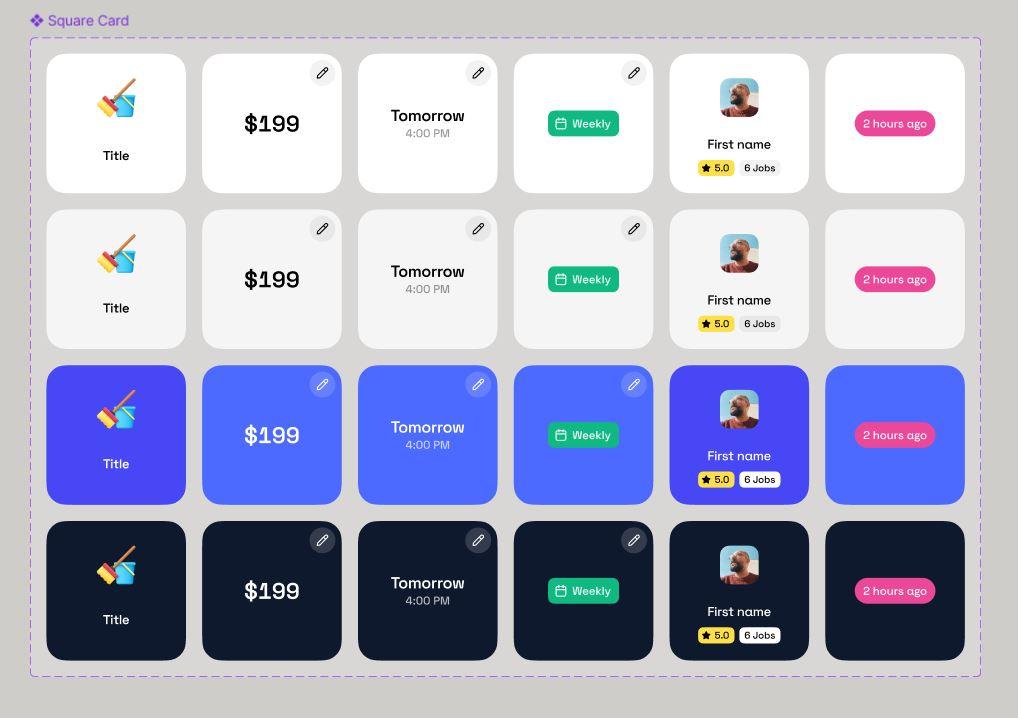
This is where the real value of the Design System lies. A Component Library is the collection of reusable, coded UI elements.
The Style Guide provides the color/font rules. The Component Library provides the functional, coded pieces (e.g., a React Button component that handles hover states, accessibility, and size variants). The Design System provides the context and governance, the principles and documentation, for how and when to use that component.
The Design System in Practice: Process and Scalability
A Design System is more than the sum of its parts; it is a collaborative operating model.
Beyond Aesthetics: It's an End-to-End Product
For a system to truly work, it must define not just the what but the how and the why. This means the system must contain layers of structural design beyond the simple Style Guide.
The Four Pillars of System Design
While "What are the four types of system design?" can refer to several models, the most effective Design Systems are structured around four functional pillars that ensure scalability and adoption:
- 1.Design Principles (The Philosophy): The "why." These are the high-level tenets (e.g., "Clarity over Novelty") that guide decision-making, ensuring every new component aligns with the brand’s human-first approach.
- 2.Visual Style & Tokens (The Look): This is where the Style Guide lives, using design tokens (standardized values for color, spacing, and typography) to ensure every visual property is controlled from a single source.
- 3.Components & Patterns (The Code): The coded Component Library, plus the complex usage patterns (e.g., how to build an entire checkout flow, or what the four types of navigation are). This is the battle-tested tech.
- 4.Governance & Documentation (The Process): The rules for how the system is maintained, how new elements are added, and how the system is deployed. This is where we think like owners, defining the contribution model for long-term health.
UX Isn't Dead, It's Evolving (A Quick Aside)
You might see existential headlines asking, "Is UX a dead field?" The short answer is: No.
But the field of UX is rapidly evolving from manual pixel-pushing to strategic, system-level architecture. The designer's job is no longer just to sketch screens; it's to architect the system that creates all the screens automatically and consistently. If your UX feels "dead," it's probably because you're stuck in a manual process, not because the discipline itself is obsolete. The truth is, the demand for senior designers who can build and manage a robust Design System is higher than ever.
Why Mobile Teams Can’t Afford to Skip the System
Mobile teams face unique challenges: managing native OS differences (iOS vs. Android), small screen sizes, and the constant pressure to release fast without introducing regressions. This is why the gap between a simple Style Guide and a full Design System becomes a chasm.
The single greatest benefit of a Design System for a mobile team is the automatic consistency it delivers. With coded components from a central library, you eliminate the constant guessing game: Did the iOS button get that latest padding update? Does the Android component handle accessibility correctly?
The system defines the desired user experience (UX), ensuring that your ux style guide vs design system debate ends with the Design System winning, because it enforces the desired UX. It’s the framework that provides seamless continuity and context-aware design across devices, resulting in an experience that truly feels human-first.
Building It Right the First Time: Hooman Studio’s Approach
At Hooman Studio, we treat the Design System not as a project deliverable, but as the core engine of your product.
Strategy: Asking Why, Then Building Smarter
We don’t just hand over a file; we think like owners. We start by asking why your current system (or lack thereof) is failing. No pitchy weirdness, just honest strategy. We focus on creating a system that reduces design debt from day one, rather than fixing a thousand broken components down the line. We build systems that are designed for people, not just screens.
The Tools That Scale: Our Battle-Tested Tech
A great Design System requires a modern, integrated technology stack. We lean on tools that offer both flexibility and future-readiness:
- Figma: For the design system master file and component variants.
- React and Next.js: For building highly performant, server-rendered, battle-tested tech components that power the Component Library.
- Sanity: For content management of the documentation and design tokens, ensuring the system itself is always updated and easily searchable.
This stack is integrated to ensure that when a designer updates a color in Figma, a developer can immediately see that change reflected in the code through a standardized token system.
Transparency and Trust: Your Hooman Dashboard
Building a Design System is a partnership, not a black box operation. That’s why every Hooman Studio client gets access to the Hooman Dashboard. This bespoke tool provides real-time transparency into our progress on the system, the component library development, and the overall roadmap. It’s designed to manage communications and project tracking, so you can make your systems run while you nap.
Ready to Move Beyond the PDF?
The choice between a Style Guide and a Design System isn't about semantics; it's about making a strategic decision to scale your business. A Style Guide is a nice-to-have visual document. A Design System is a mission-critical piece of infrastructure that saves money, time, and team sanity, guaranteeing a consistent, human-first experience for your users. Stop maintaining a folder of static images and start building a scalable product.
If you are looking for a deep dive on how these three concepts work together in practice, this video gives a great overview: Design Systems vs. Style Guides.
FAQ
The Style Guide defines the aesthetics (color, typography) and is purely documentation. The Component Library is the functional, coded collection of reusable UI elements (buttons, inputs) that live inside the product's codebase. The Component Library is the implementation; the Style Guide is the rulebook for the visuals.
By providing pre-approved, pre-coded, and pre-tested components, developers spend virtually zero time recreating common UI elements or manually checking for cross-platform visual consistency. This allows them to focus on unique features and complex business logic, accelerating development speed and dramatically reducing QA cycles.
Absolutely not. While large enterprises benefit hugely, a Design System is critical for any team with rapid growth plans, multiple designers/developers, or multi-platform products (like a core mobile app and a separate web dashboard). Building a system early is not comparable to fixing bad tech later.
A Design System is a living product and should be maintained continuously. It should evolve alongside your main product, ideally with a dedicated "system owner" or small team. Updates should happen reactively (fixing bugs) and proactively (introducing new components or principles) on a regular cadence.
- The Core Difference: Asset vs. Operating System
- What Exactly is a Style Guide?
- The Design System Defined
- What is the difference between a style guide and a design system?
- The Foundational Layers: Brand & Aesthetics
- Dissecting the System: UI Kits & Component Libraries
- The Design System in Practice: Process and Scalability
- Why Mobile Teams Can’t Afford to Skip the System
- Building It Right the First Time: Hooman Studio’s Approach
- Ready to Move Beyond the PDF?
- FAQ