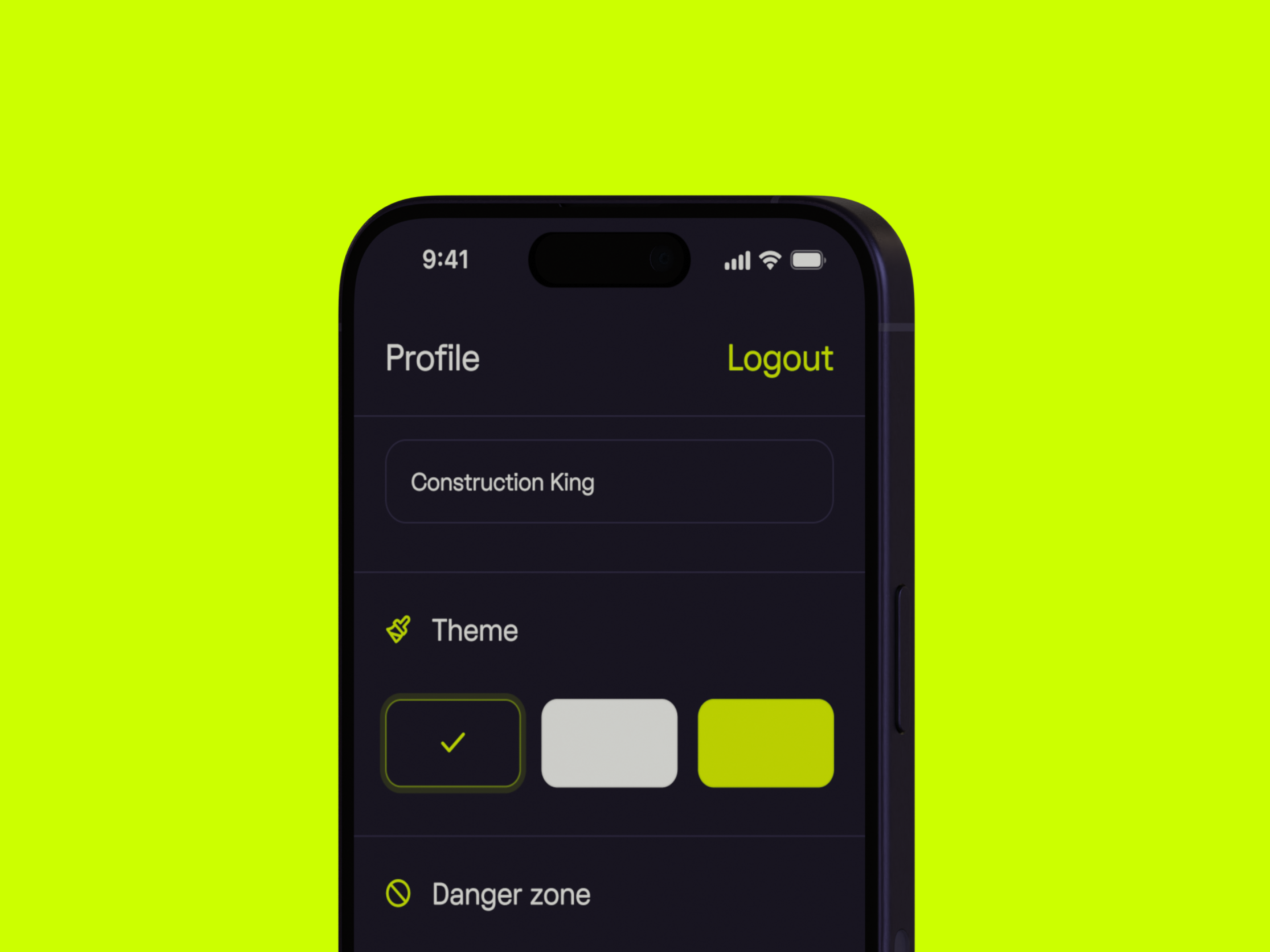
Access follows responsibility
People control the settings their role requires.
Make complex roles, rules, and data clear, usable, and accountable.
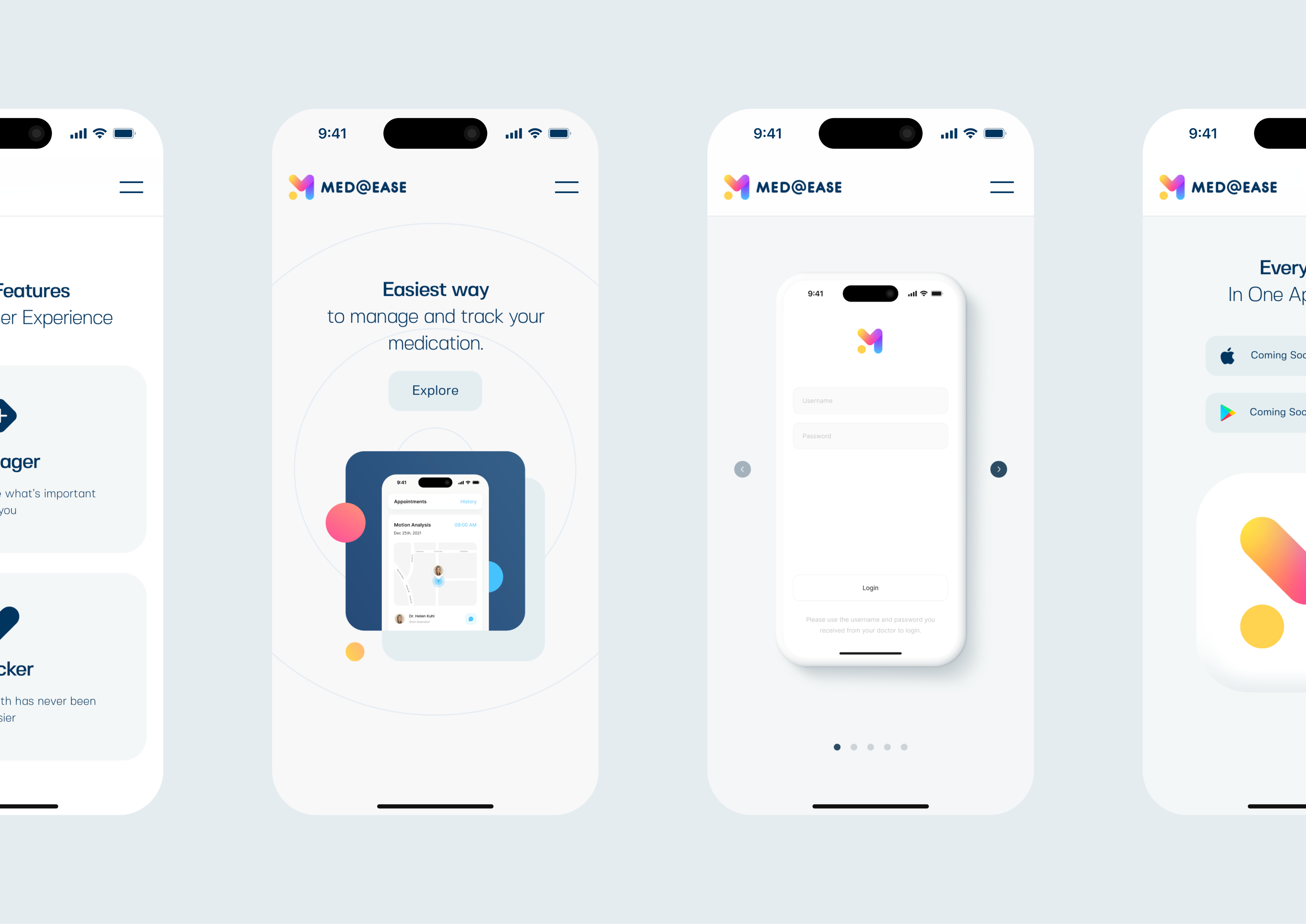
Enterprise UX design makes complex operational software easier to understand and safer to use. It organizes roles, permissions, data, rules, states, and connected systems around the work people actually need to complete.
Hooman studies the current operation, resolves one consequential workflow, and turns it into a tested product model and interface. We can hand that system to an internal team or continue through engineering, release, and iteration.
Clear roles and visible state prevent everyday workarounds.
Keep every important fact in one source.
Show progress where the next decision happens.
Show who can decide, approve, or reverse.
Keep real exceptions inside the product.
Six rules keep complexity controlled.
People control the settings their role requires.
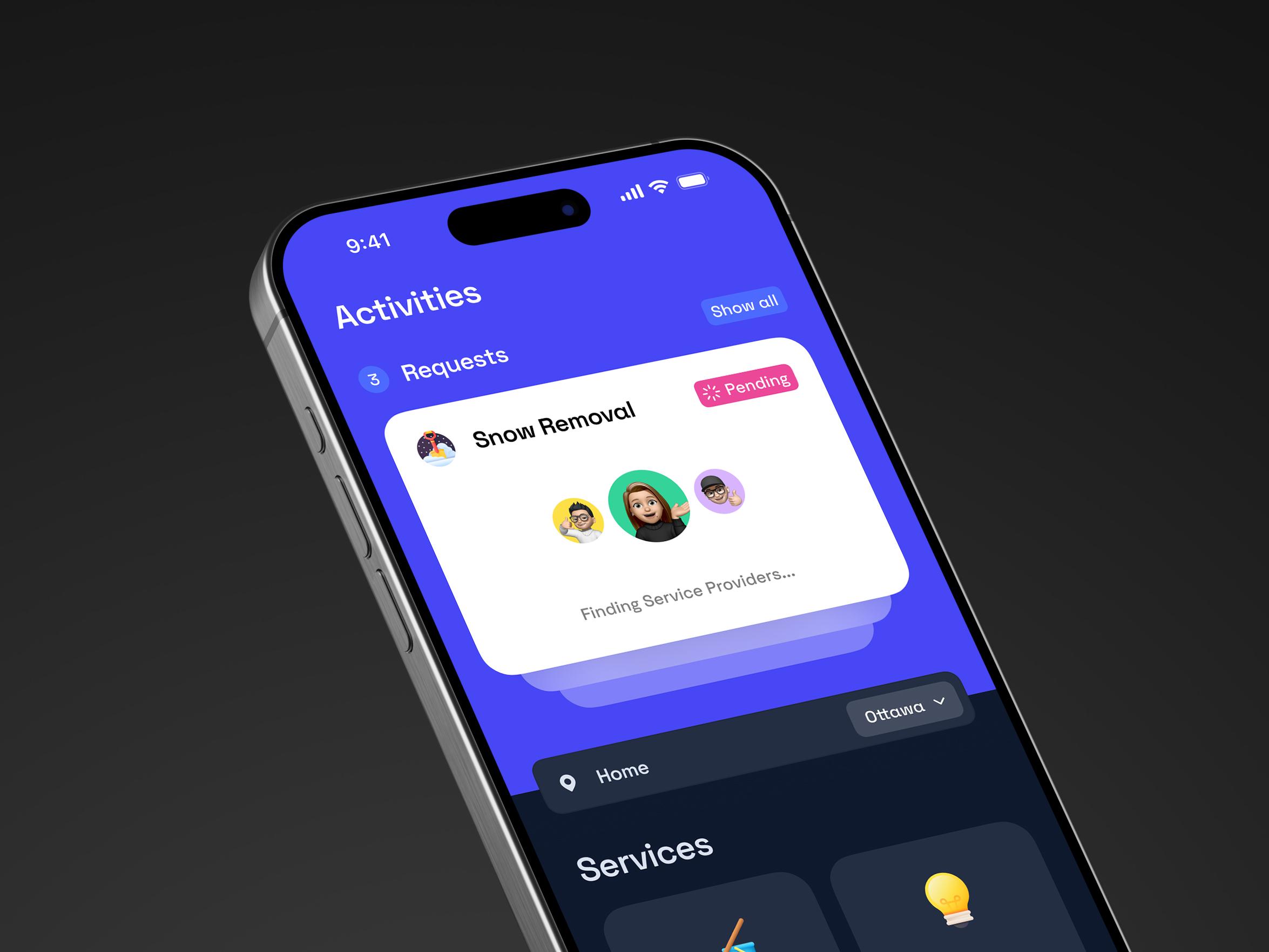
Need, status, and available help stay together.
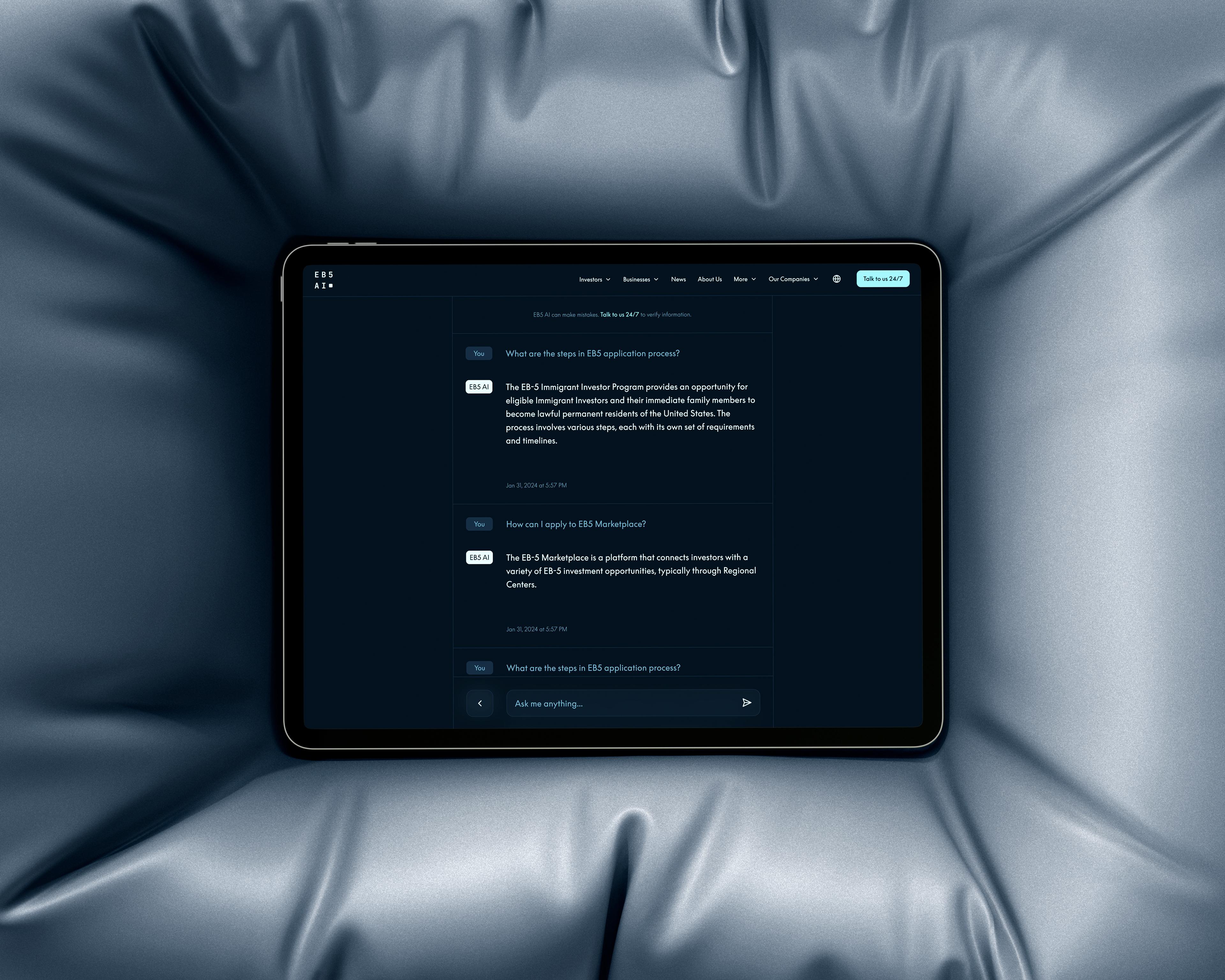
A guided question stays beside the decision it supports.
A polished interface cannot repair a confused operation. We first map the actors, decisions, objects, states, dependencies, and exceptions that make the workflow true. That model tells the interface what must be visible and what action should come next.
This is also where constraints become design material. Legacy systems, accessibility, audit history, security, data ownership, and approval rules are resolved early enough to shape the experience instead of appearing as late-stage compromises.
Start where risk is visible.
We observe how the work moves today, including the spreadsheets, messages, handoffs, approvals, and exceptions that formal process maps often miss. The goal is to separate necessary complexity from friction the product has created.
We identify who can see, decide, edit, approve, or reverse each part of the workflow. We then model the states and conditions that keep important actions understandable and auditable.
We turn the proposed model into a working prototype with the real decisions, content density, edge cases, and responsive behavior the product must handle. This lets stakeholders evaluate the experience before production engineering begins.
We review the prototype with representative roles and decision-makers. Feedback is tied to the task, responsibility, and operational consequence, so the design improves without becoming a collection of personal preferences.
The validated system can move into Hooman-led engineering, a structured handover to an internal team, or a shared delivery model. Ownership, documentation, and release responsibilities are made explicit before the next phase starts.
Redesign, wrap, or replace only when the evidence supports it.
Redesign the workflows people struggle with.
Connect useful tools into one experience.
Move workflows and data in controlled slices.
Begin with one workflow used often, involving several roles, or carrying meaningful operational risk. Hooman maps the current path, defines the future model, and tests it as a working interface rather than assuming a full replacement.
The phase produces a current-state map, role and permission model, prioritized workflow, tested prototype, and decision record. Those artifacts make the next scope visible, whether it is an incremental redesign, a staged build, or a clean internal handover.
Most common questions
Enterprise UX design improves software used to run complex work. It organizes roles, permissions, data, rules, states, and connected systems into an experience that helps each person understand what happened and what they can do next.
Product design defines how a digital product should work and feel. Enterprise UX applies that discipline where established workflows, multiple roles, legacy systems, governance, dense data, and operational exceptions already shape the experience.
A redesign becomes relevant when important work depends on duplicate entry, manual handoffs, hidden status, unclear ownership, or software that forces people into the wrong process. These signals show that the interface and the operation no longer agree.
Either path can be valid. Hooman identifies what must remain, what can change, and where the current workflow breaks. The evidence may support an interface redesign, a connected experience over existing services, or a staged replacement.
Yes. We model what each role needs to know, decide, approve, edit, and review. Permissions, state changes, and audit history then shape the available context and actions instead of being treated as a separate security layer.
Yes. Enterprise UX can be a standalone engagement. Hooman can deliver the workflow model, prototype, interface system, and decision record to an internal team, or continue through engineering, release, and ongoing iteration.
Start with one consequential workflow that is used often, involves several roles, or carries meaningful operational risk. Mapping and prototyping that path reveals the system decisions a broader redesign would need without assuming the entire replacement upfront.