
One service, many states
The pattern stays familiar as the task changes.
Ship faster with a coherent, accessible product system.
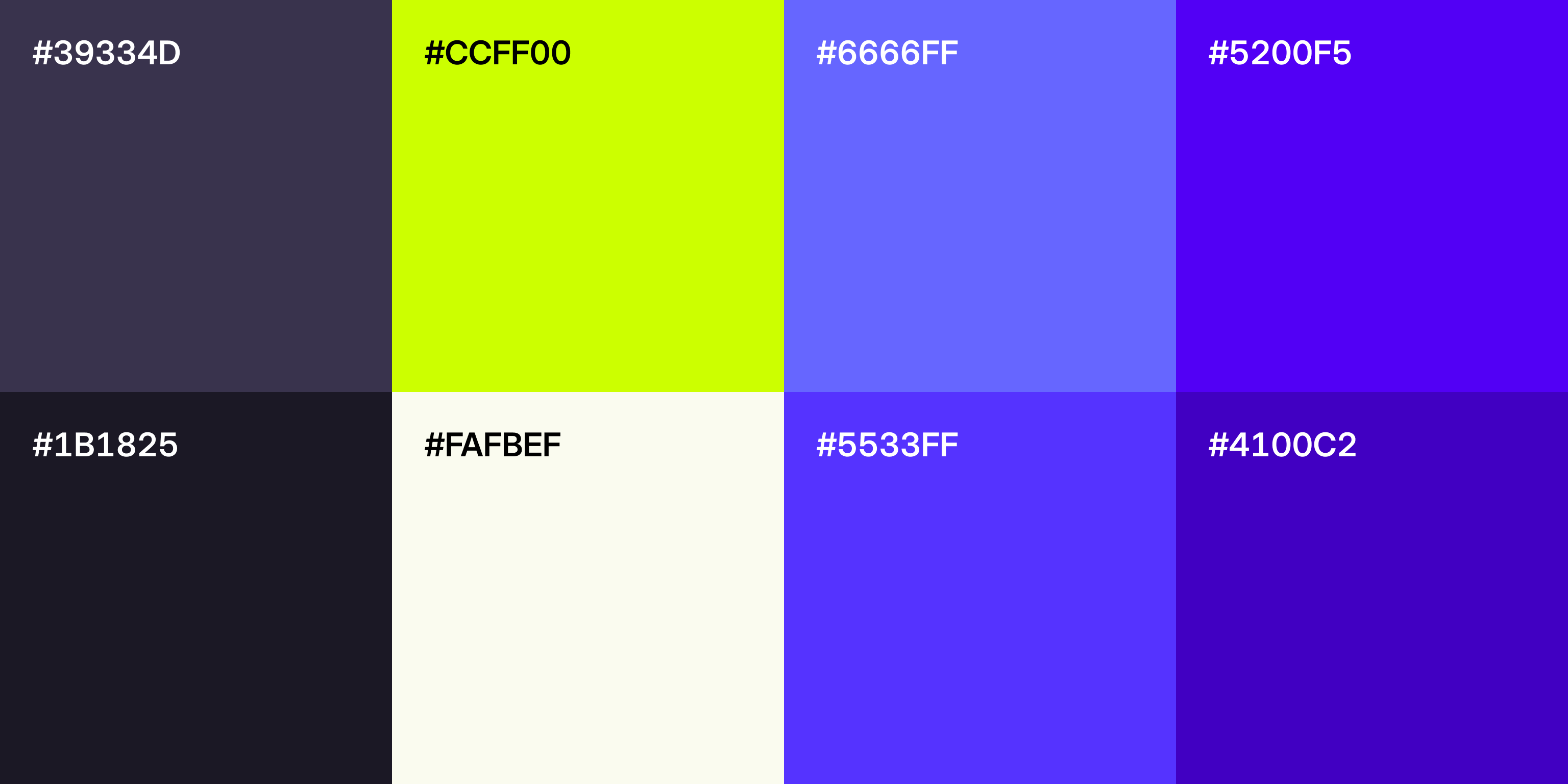
Shared rules prevent new screens from creating cleanup.
Carry one approved token across every surface.
Keep spacing, type, and states familiar.
Carry responsive rules into every layout.
Improve every reuse with one shared fix.
Picture three teams adding settings, tables, and approval flows to the same product. Without a shared implementation language, each screen can introduce another spacing value, breakpoint, color, or interaction state. Tailwind makes approved constraints available where the interface is built, so familiar decisions are easier to reuse than reinvent.
That speed is only useful when the constraints are intentional. We define product tokens, component behavior, responsive rules, accessibility states, and review practices first. Tailwind carries those decisions into code. It does not replace design judgment or turn utility classes into a design system by itself.
The pattern stays familiar as the task changes.
Shared rules preserve hierarchy across views.
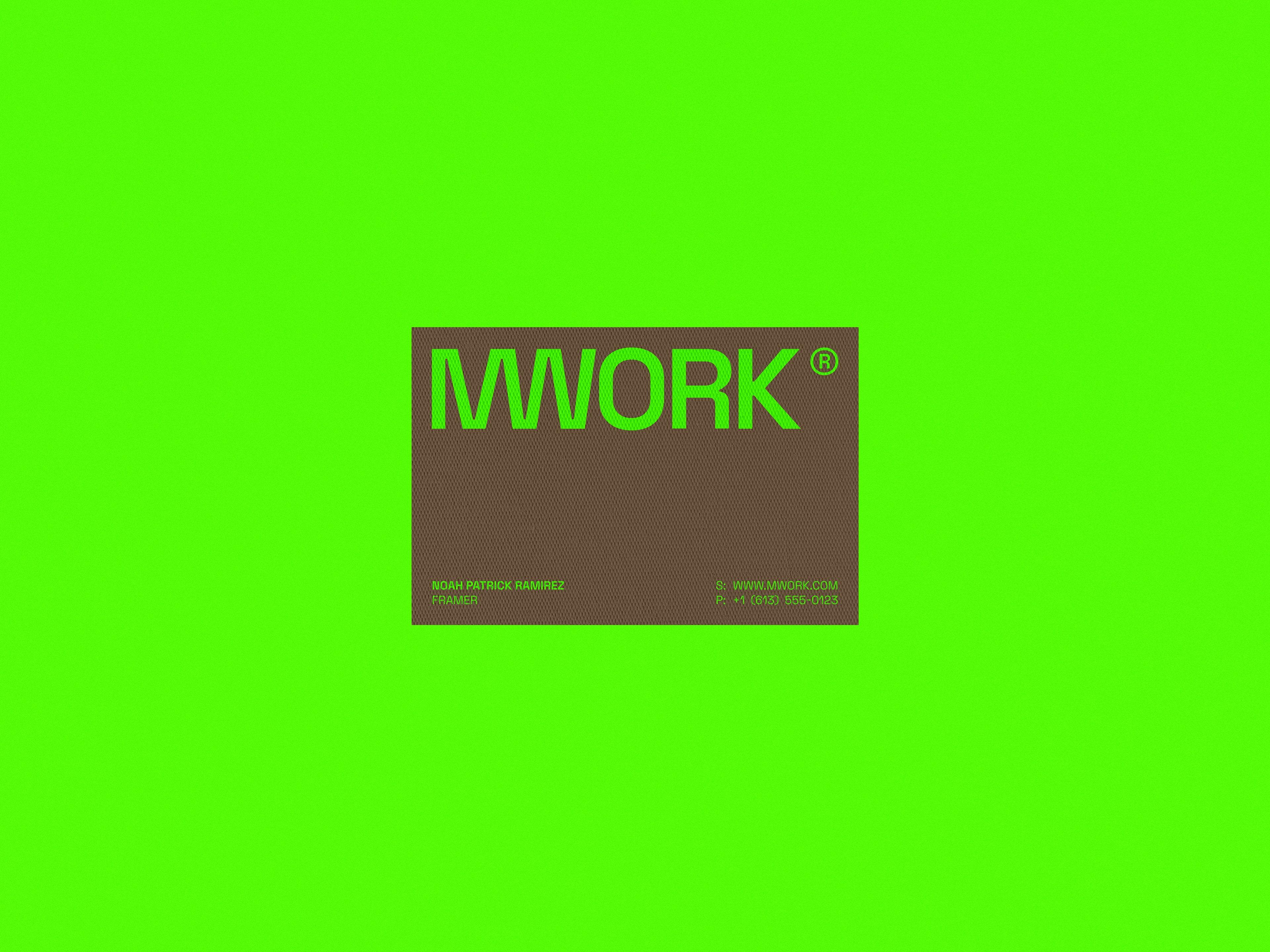
Tokens keep new surfaces visibly related.
Tokens, components, states, and review create consistency.
Map the product's approved color, type, spacing, radius, shadow, and breakpoint decisions into a deliberate theme. In Tailwind 4, theme variables can expose those decisions through utilities, while ordinary CSS variables can remain private implementation details.
Turn repeated controls and compositions into components with clear variants, states, and boundaries. Use complete, statically detectable class names instead of generating fragments dynamically, so production styling remains predictable.
Design from small screens upward, then use breakpoint and container-query variants where the component needs to respond to its available space. The goal is reusable behavior, not a growing collection of page-specific overrides.
Build semantic structure, keyboard behavior, focus visibility, contrast, reduced-motion behavior, errors, loading, disabled states, and feedback into shared patterns. Tailwind can express those states consistently, but it cannot decide or test them automatically.
Make every supported source path and class variant visible to the build. Tailwind scans source text and generates styles for detected utilities, so dynamically assembled class fragments and unregistered external packages can create missing production styles.
Define who can add tokens, variants, and primitives; document the approved path for exceptions; and test representative screens before release. A useful system makes the right decision easy and unusual decisions visible.
Audit browser requirements, plugins, custom configuration, arbitrary values, source detection, and build tooling before moving from Tailwind 3 to 4. Use the upgrade tool on a branch, then review the diff and test representative customer journeys.
Prove the system in production before every team adopts it.
Six decisions create lasting consistency.
Start with one interface area the team changes every week. A settings surface, data table, checkout step, or approval flow is large enough to reveal the real token, state, responsive, accessibility, and ownership questions without forcing an all-at-once rewrite.
The first release should prove that a designer can change an approved decision, an engineer can reuse it without inventing a parallel rule, and reviewers can verify the result across representative states and widths. That evidence becomes the roadmap for broader adoption.
Move tokens and one component family, then retire old rules.
Inventory styles, components, states, and risk.
Let Tailwind and legacy styles coexist safely.
Move one component family through a real flow.
Test real behavior before retiring old rules.
Tailwind is a strong fit when several contributors repeatedly apply the same product decisions across many screens, responsive states, and customer journeys. It is especially useful when a shared component system can reduce translation, review, and maintenance work.
A smaller conventional stylesheet may be the better choice for a stable brochure site with little repetition. The question is not whether utility classes are fashionable. It is whether a governed implementation language will make the product faster and safer to change.
Most common questions
Tailwind is useful when a team repeatedly applies the same product decisions across many screens. Its utilities keep styling close to the component and make approved constraints quick to reuse. Conventional CSS, CSS Modules, or Sass may be simpler for a small, stable site with little repetition.
No. Tailwind provides implementation primitives. A design system also needs product-specific tokens, component behavior, accessibility states, composition rules, ownership, documentation, and review.
Not when the theme and components begin with the product's own visual language. Generic results come from generic decisions or unmodified component kits. Tailwind can support a distinctive system because its theme variables and utilities are configurable.
No. Utilities can apply focus, contrast, motion, visibility, and responsive states consistently, but semantic structure, keyboard behavior, labels, errors, reading order, and testing still require deliberate product and engineering work.
Tailwind scans source files and generates CSS for detected utilities. The result still depends on correct source registration, complete class names, custom CSS, plugins, and the broader application build. We inspect production output instead of assuming the framework guarantees it.
Yes. Tailwind works well with component-based interfaces because design tokens, responsive variants, and state styles can live alongside component structure. React or Next.js still owns behavior, data, rendering, and application architecture.
Yes, but the boundary matters. Start with approved tokens and one representative component family. Let legacy and new styling coexist deliberately, verify the production slice, and retire old rules only when their replacements are proven.
Usually. Audit browser requirements, custom configuration, plugins, source detection, build tooling, arbitrary values, and component behavior before choosing the migration path. Upgrade one controlled surface first, then verify generated CSS and important journeys.
Tailwind 4 uses a CSS-first configuration model, modern browser features, new package boundaries for common integrations, and changed defaults in several utilities. The official upgrade tool can handle much of the mechanical work, but the resulting interface and production build still need review.
Use complete class names that Tailwind can detect, register every relevant source path, avoid building class fragments dynamically, and inspect the production output. Shared components should map supported properties to explicit class combinations.
A focused engagement can include an interface inventory, token model, theme configuration, accessible primitives, responsive component patterns, one production workflow, visual and interaction testing, documentation, ownership rules, and a roadmap for broader adoption.
The timeline depends on the number of component families, legacy styling approaches, browser requirements, product states, and release constraints. A representative production slice is the safest way to estimate the wider migration with evidence.
Yes. The theme, components, documentation, tests, and source code should remain in your repositories with clear ownership. A useful handover also explains how to add tokens, review exceptions, upgrade dependencies, and verify future releases.
When the site is small, changes rarely, and an existing styling approach already gives the team enough consistency and control. Tailwind adds the most value when repeated product decisions need to travel across components, screens, and contributors.